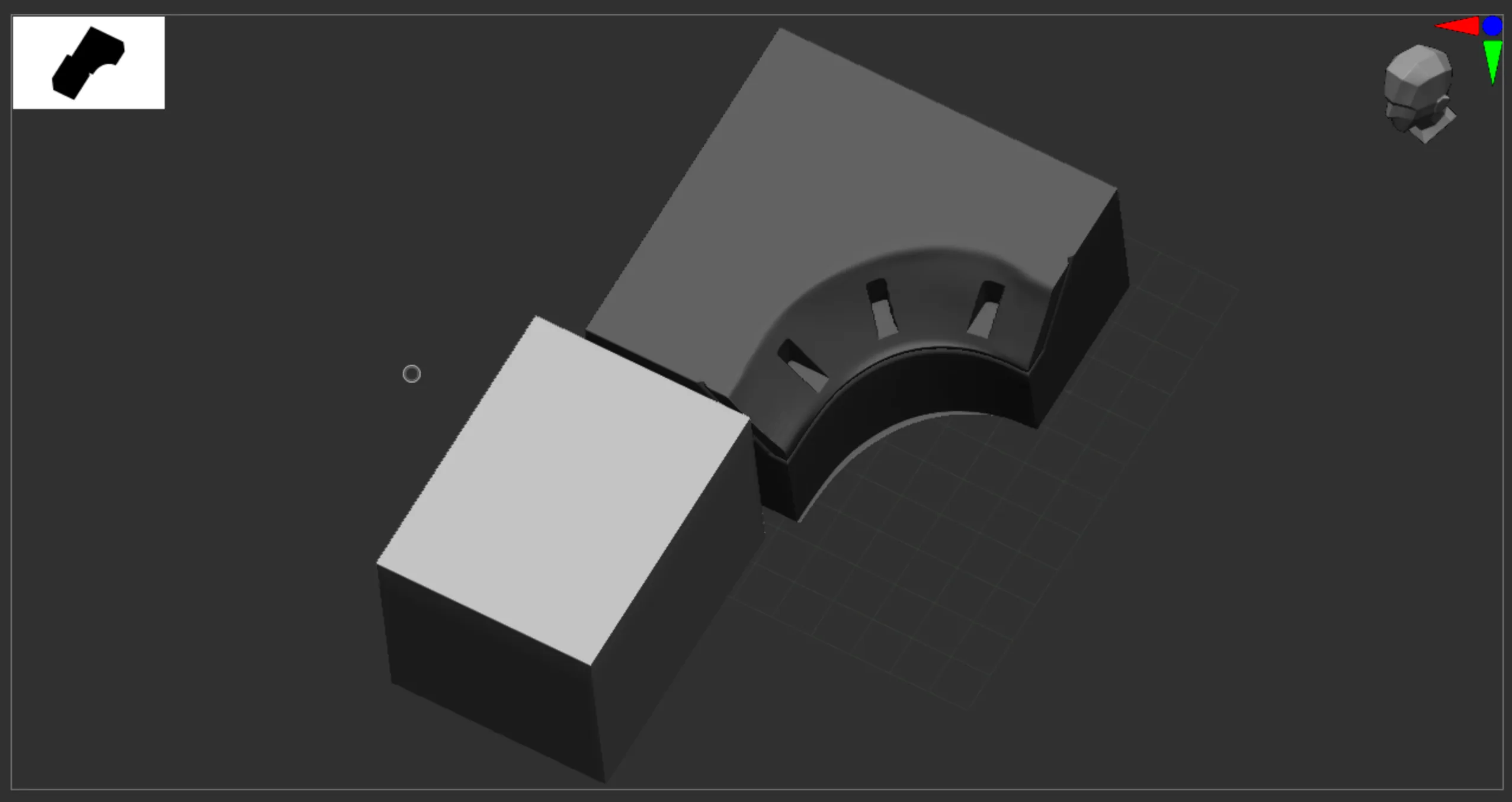
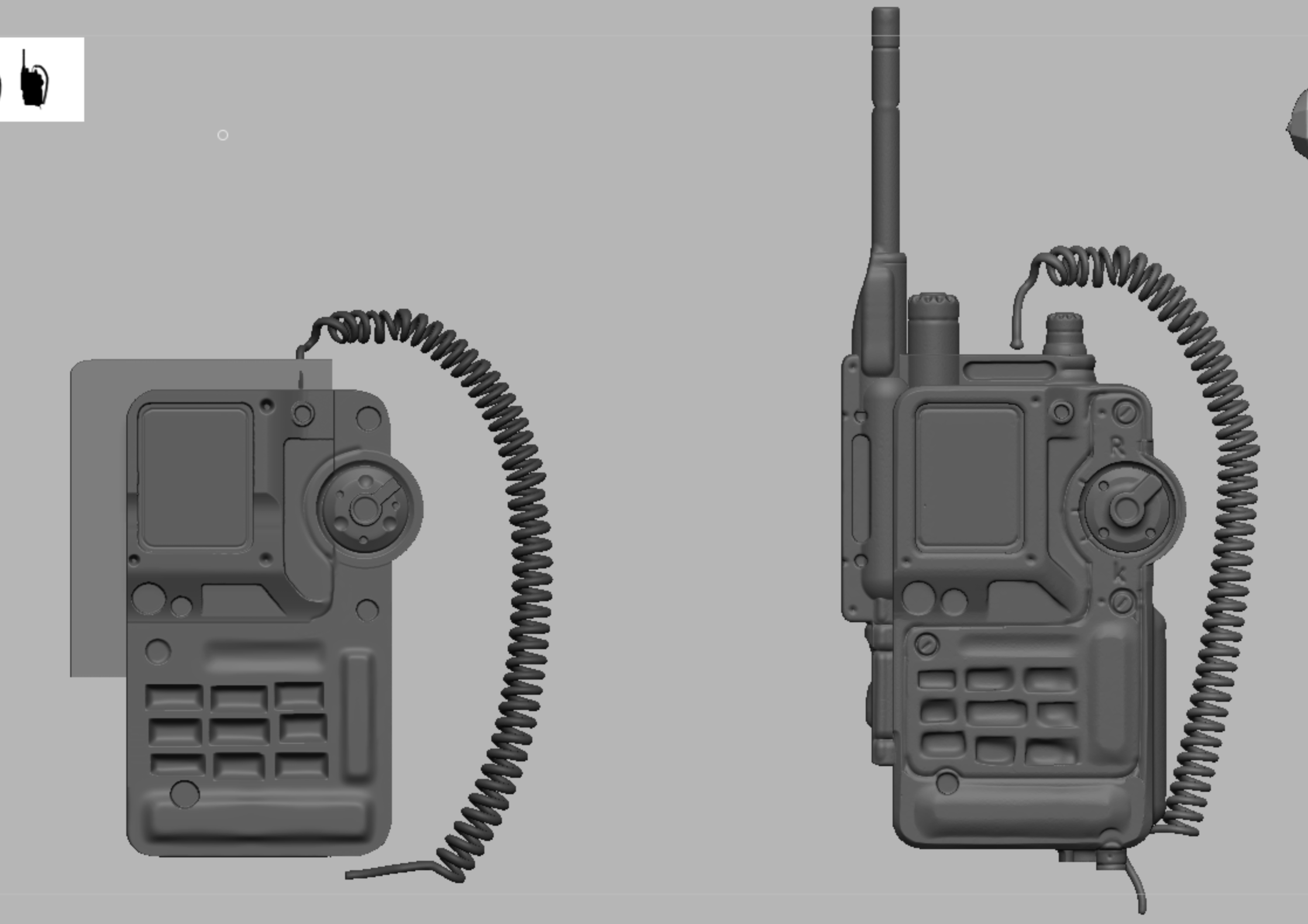
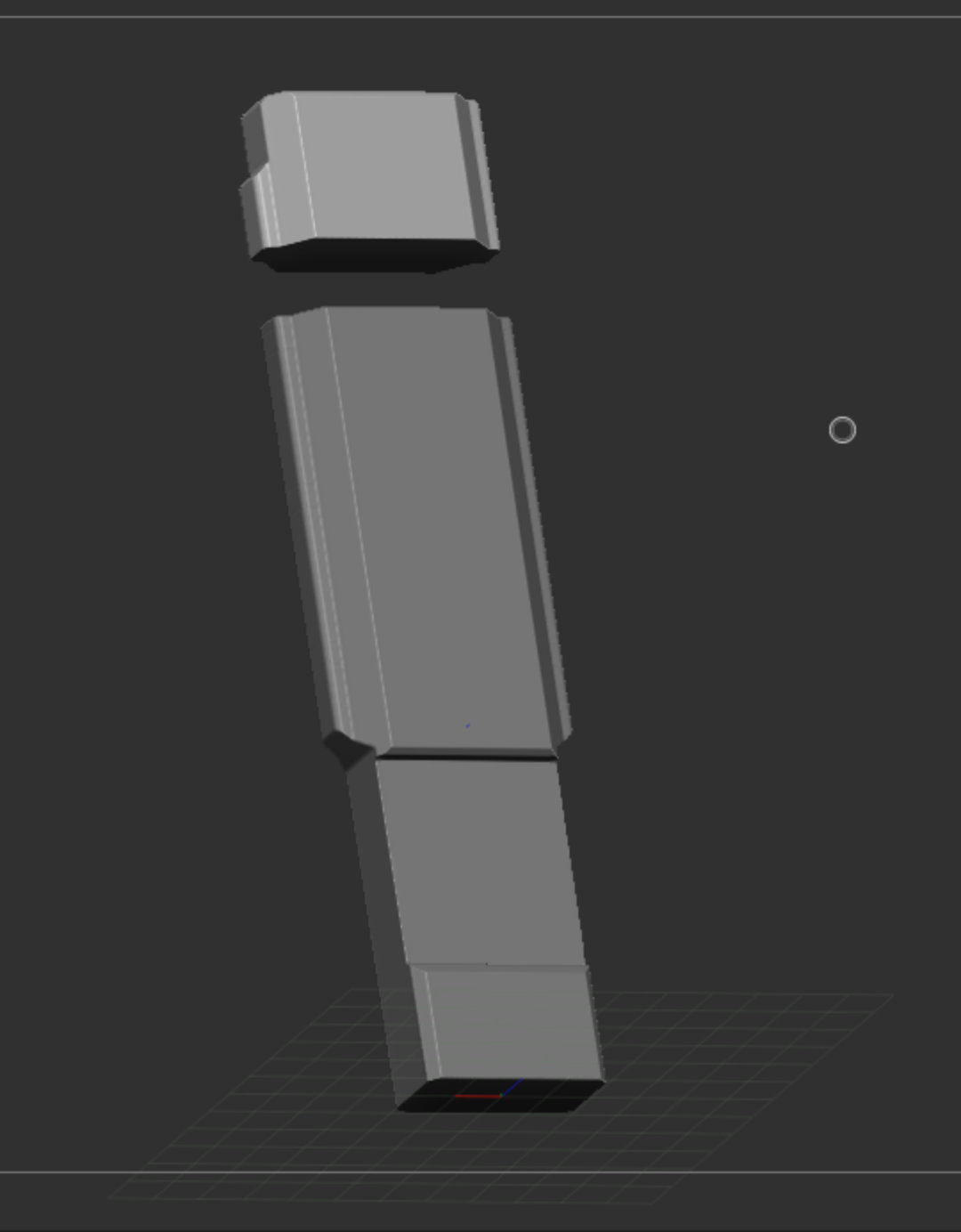
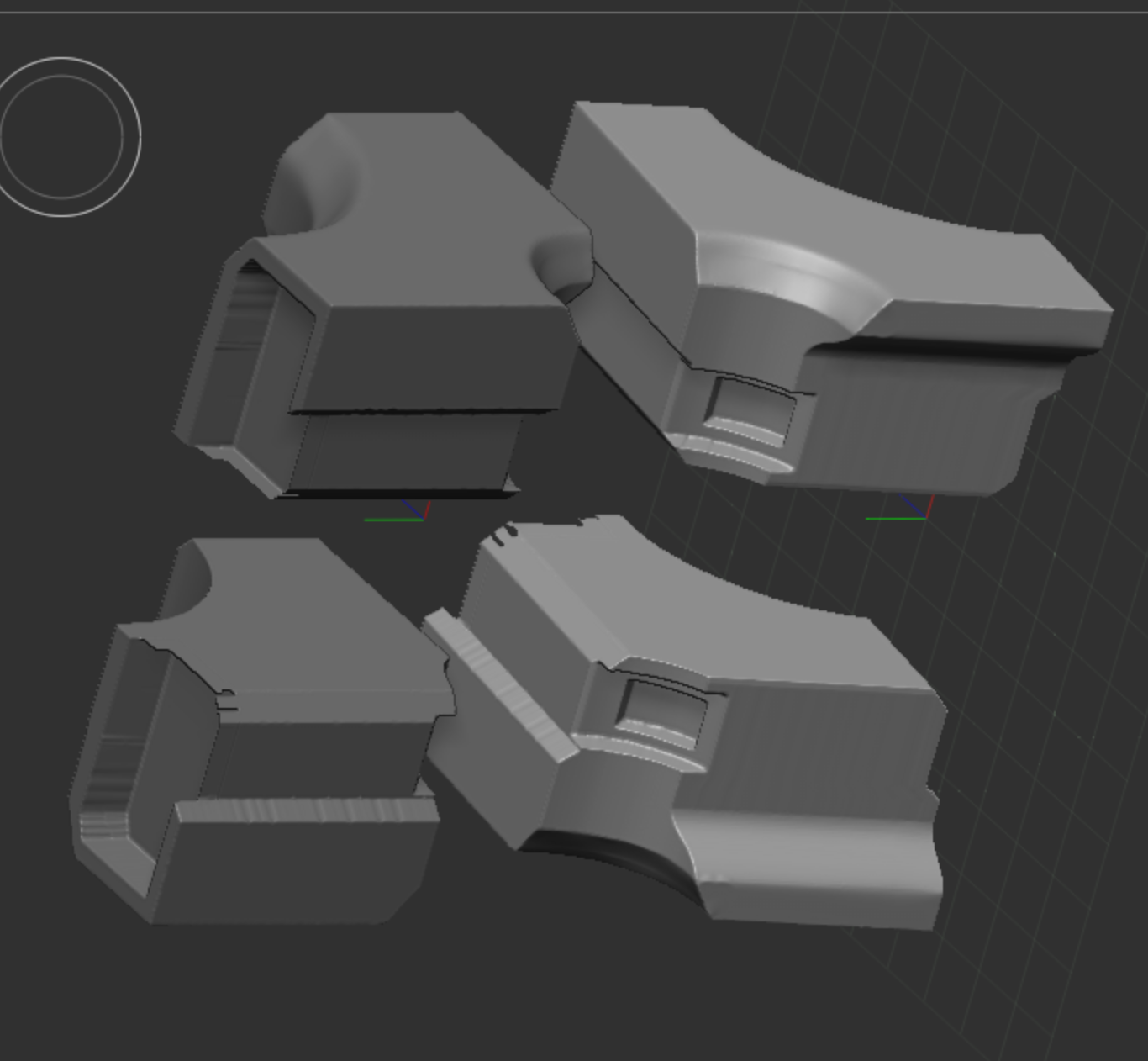
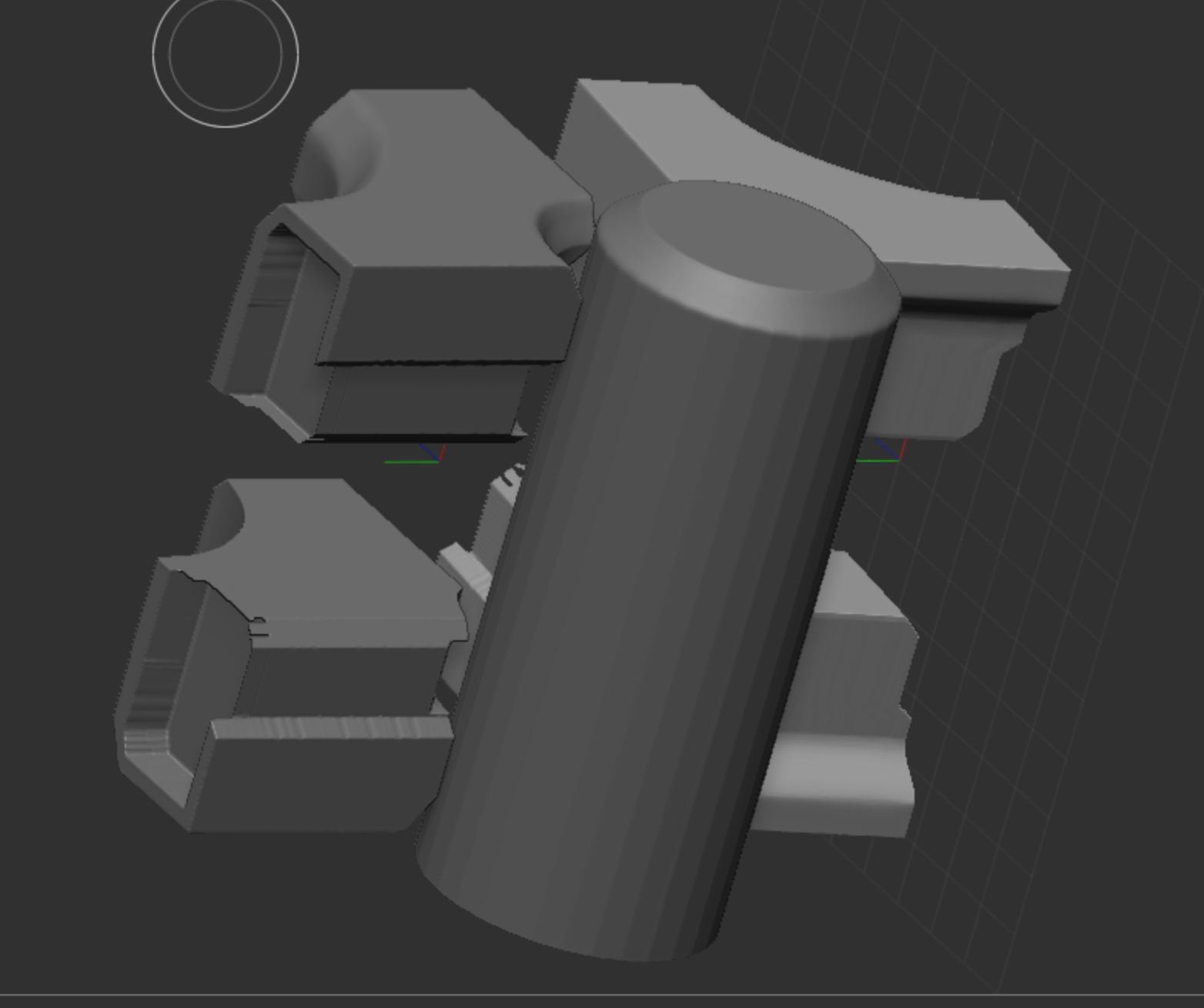
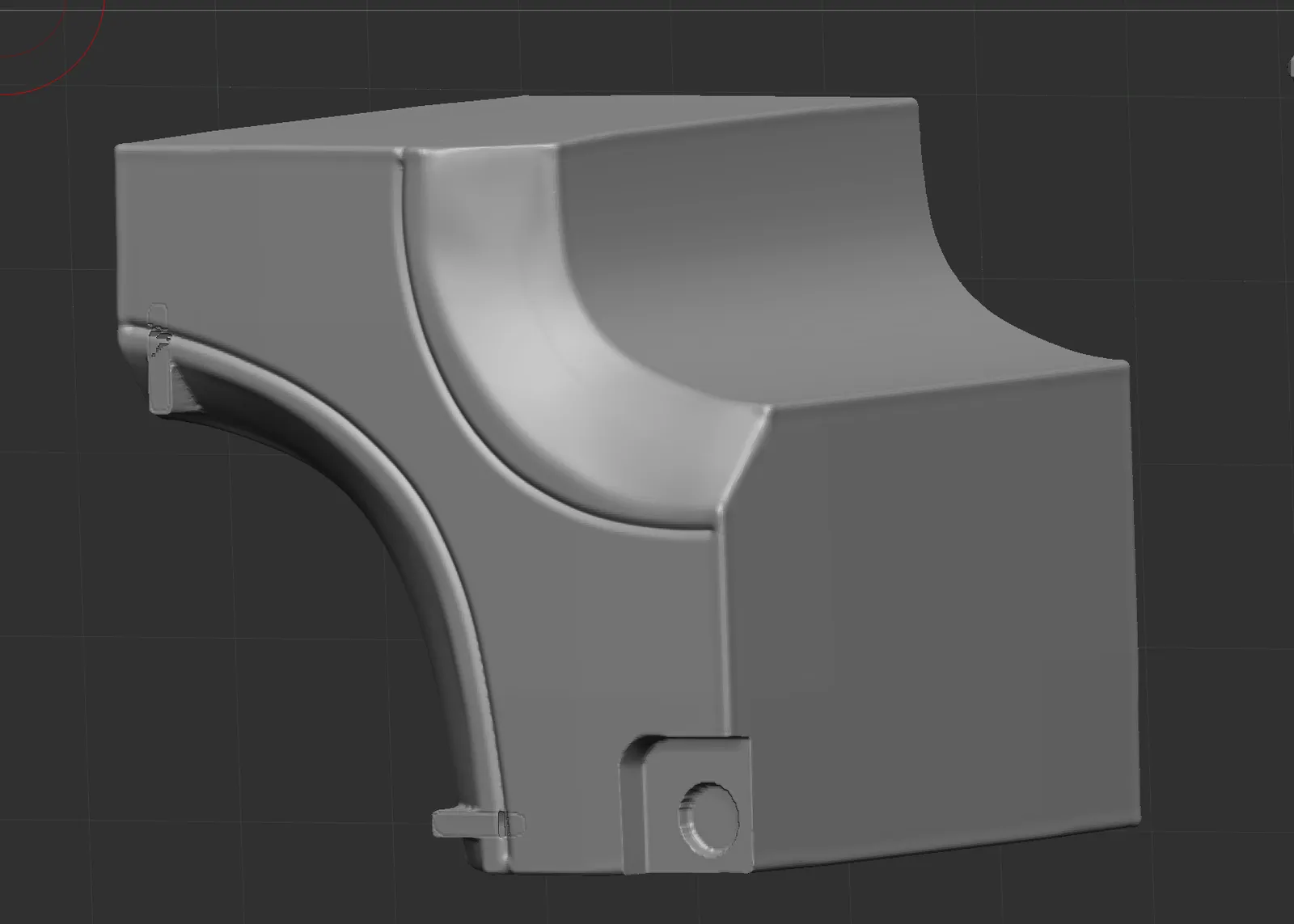
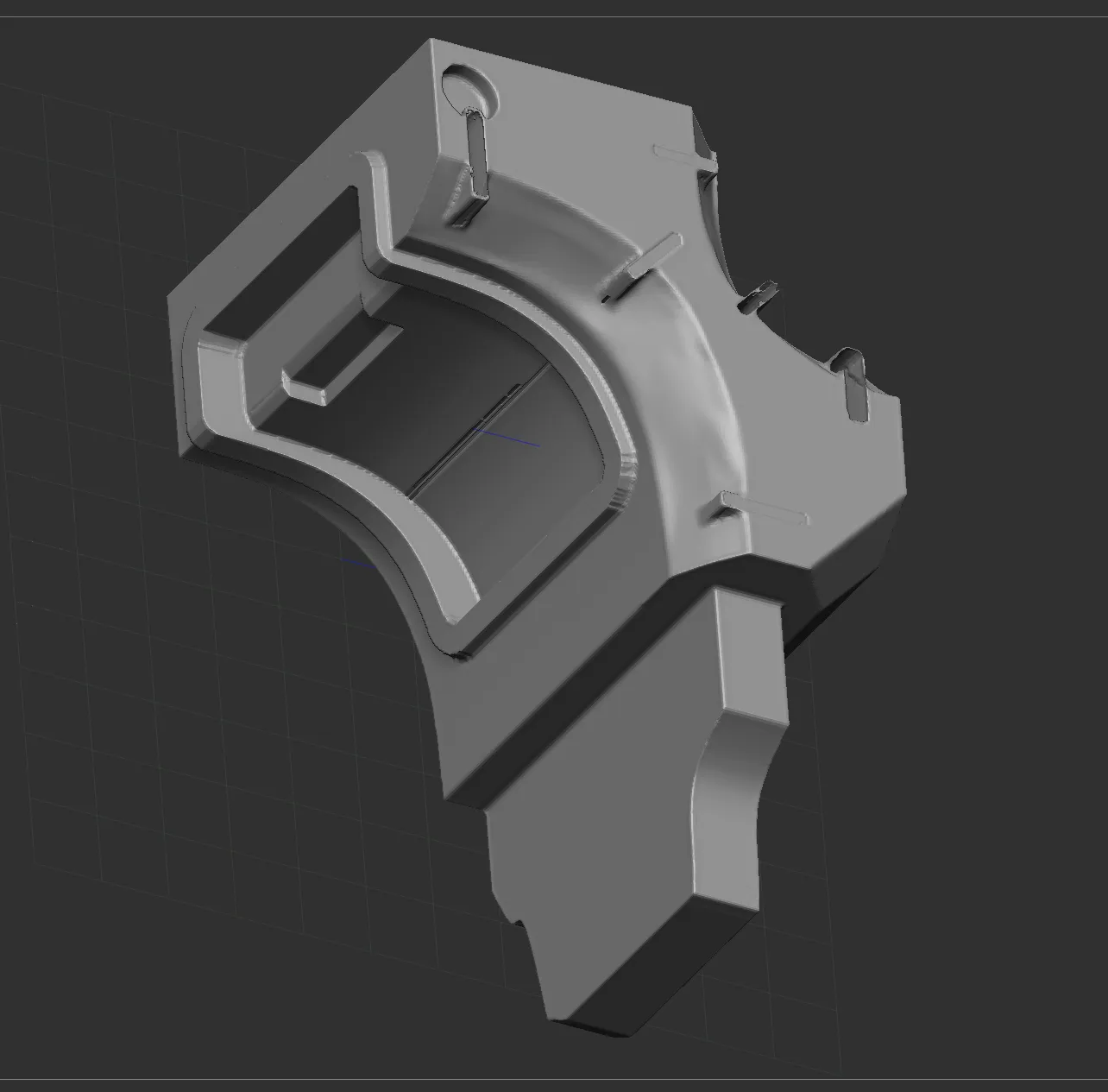
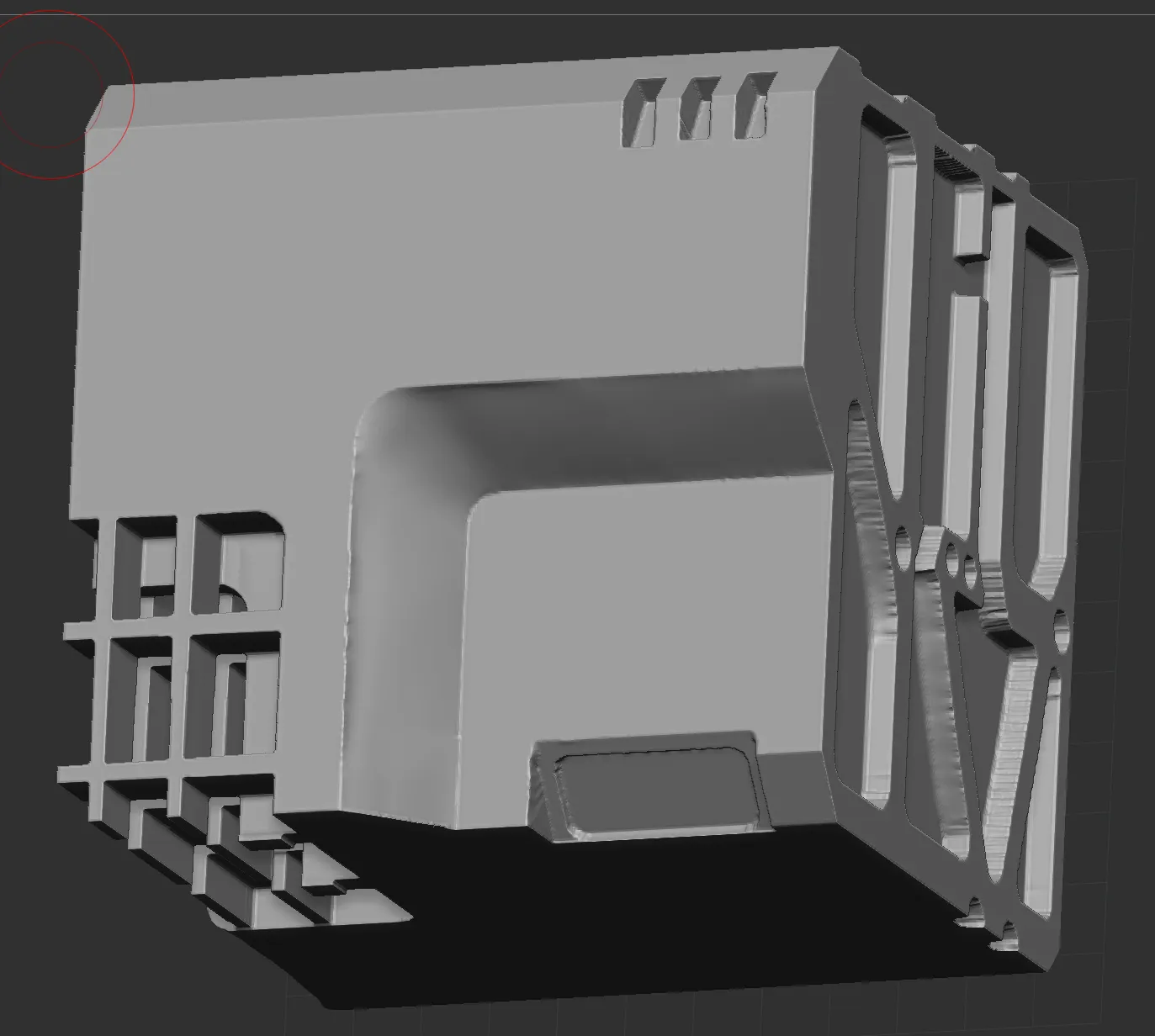
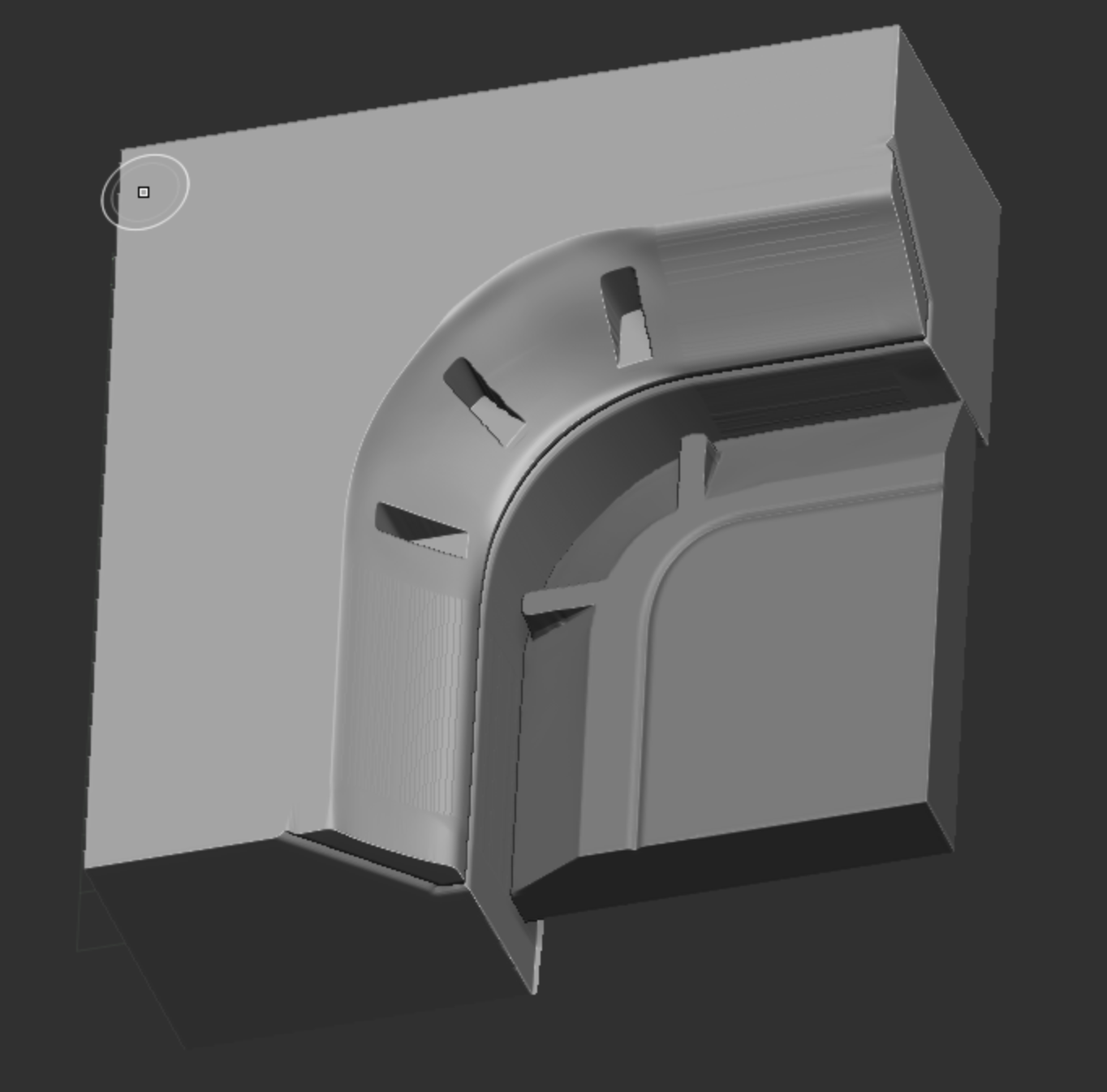
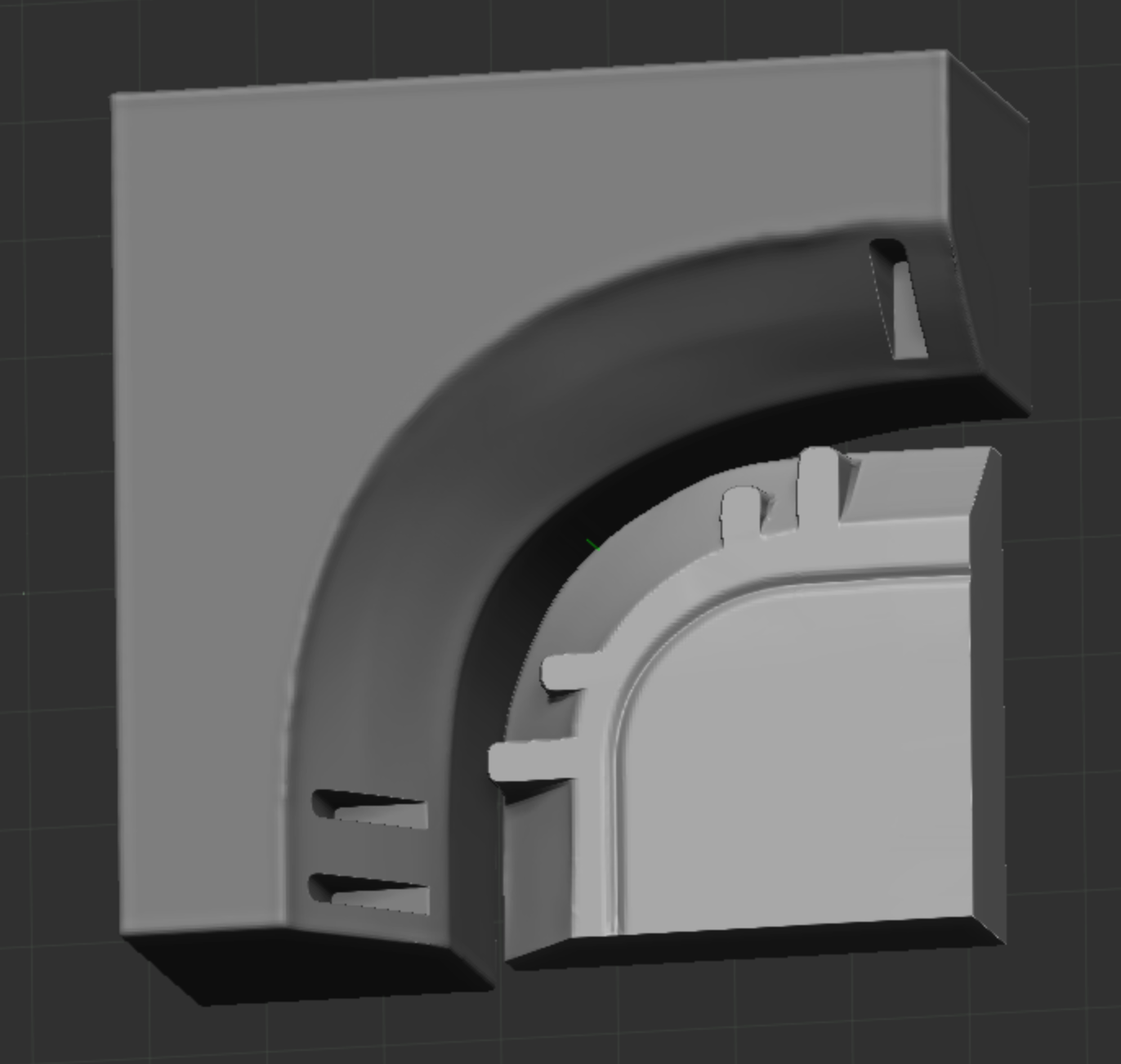
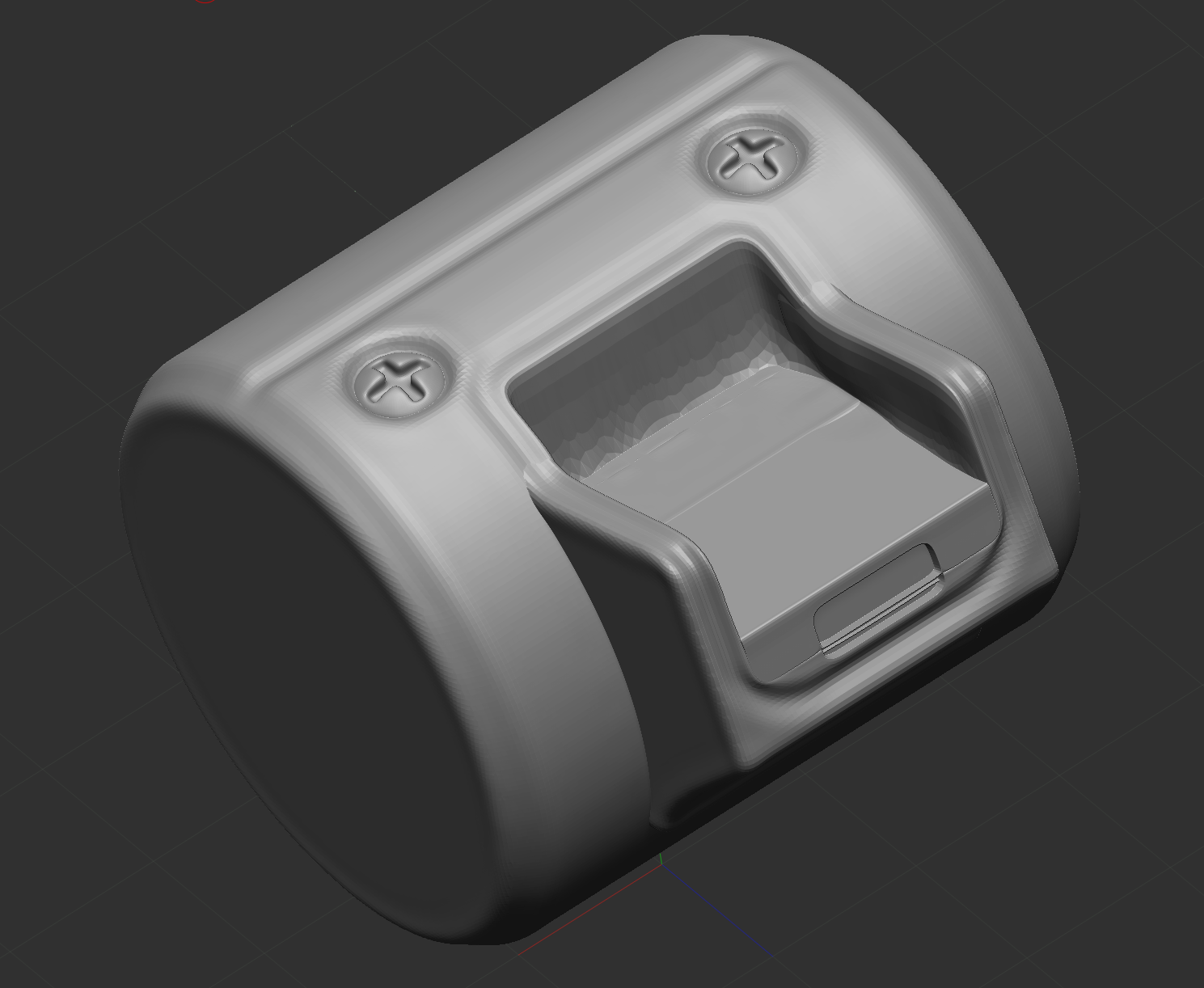
This week I continued practicing in ZBrush, creating my own blockout version of the radio reference blockout from Cane’s Hard-Surface design class.
left side my blockout in progress, right Cane’s radio blockout
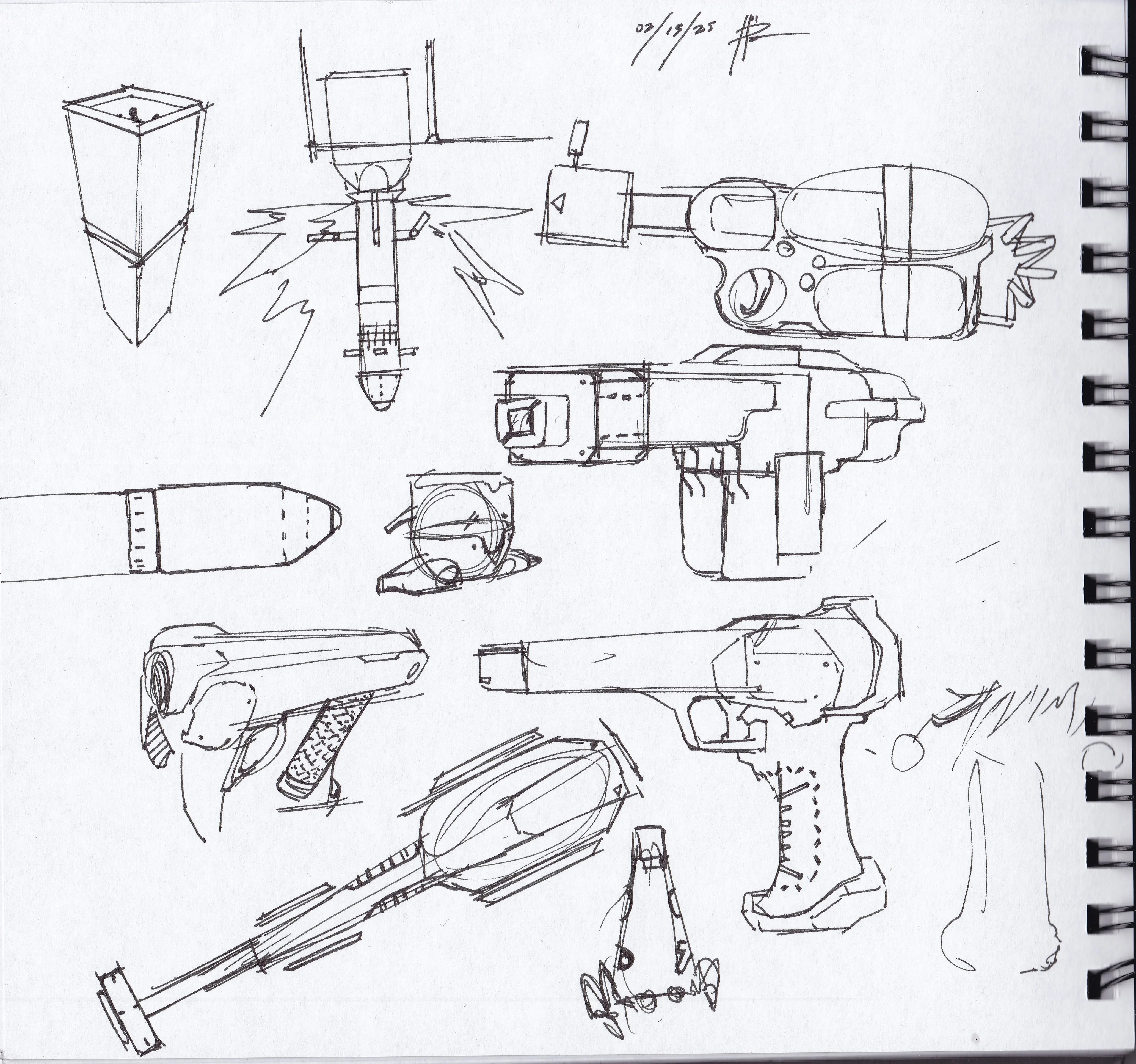
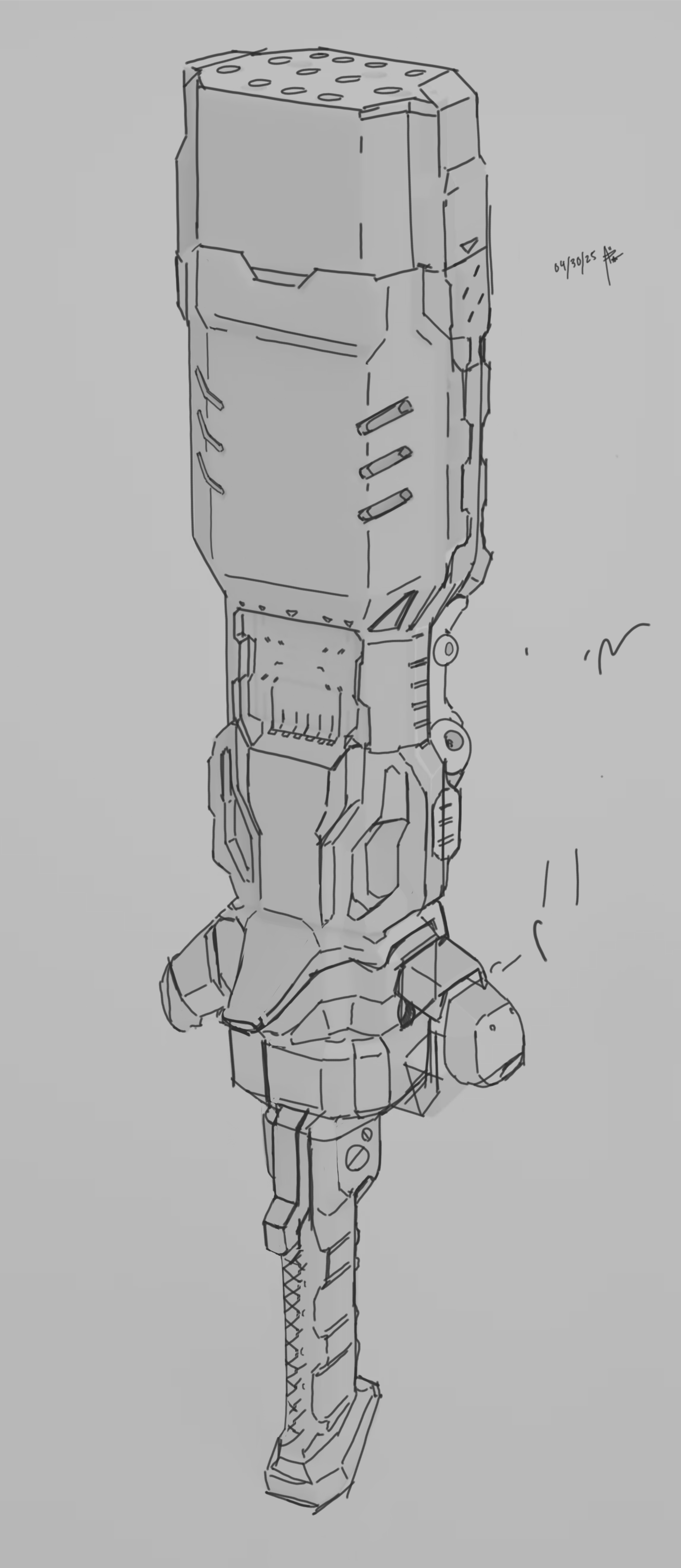
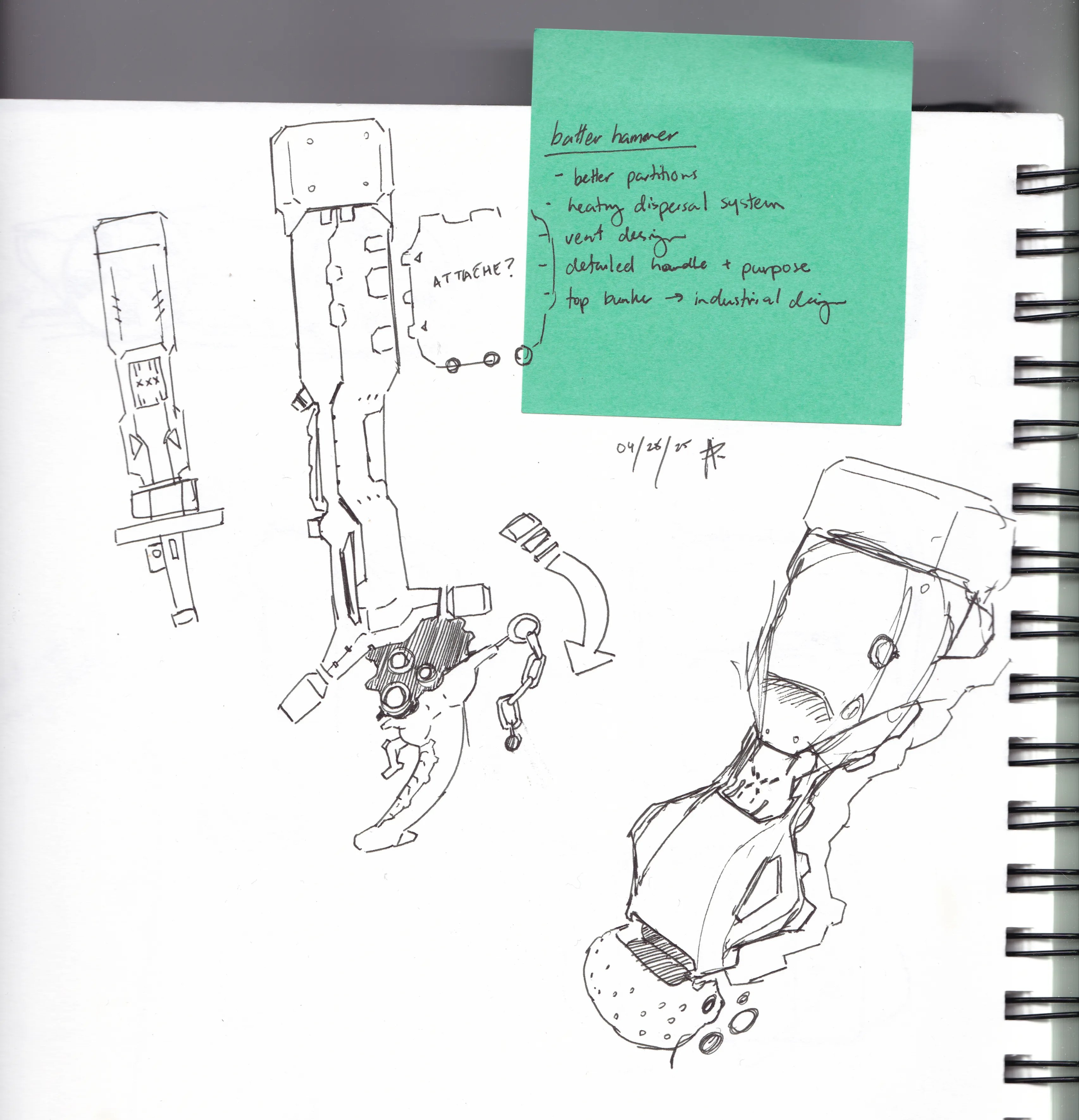
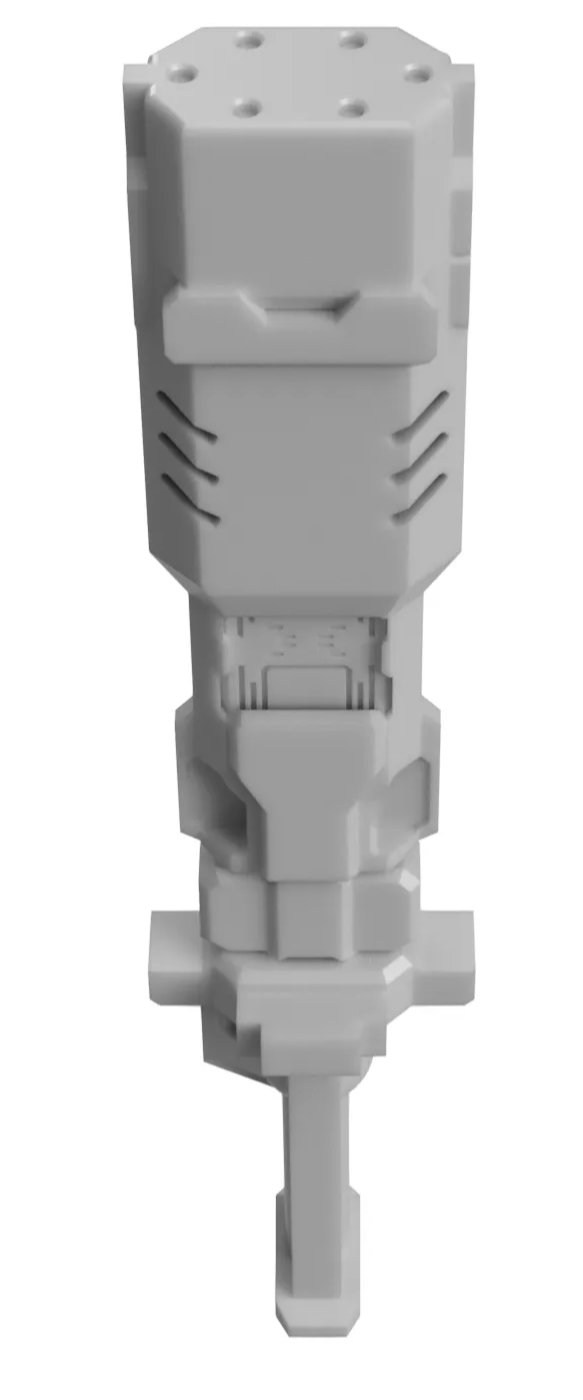
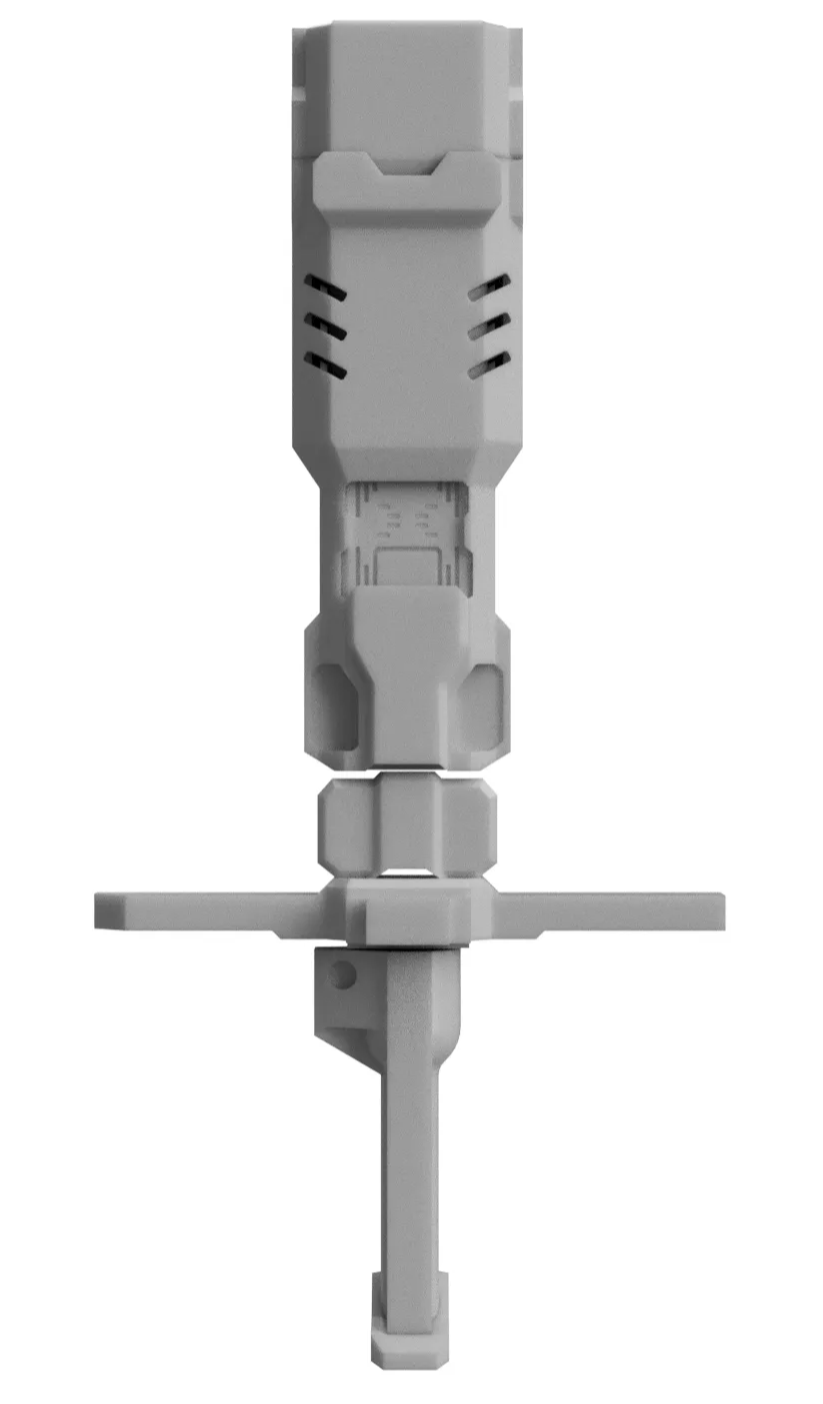
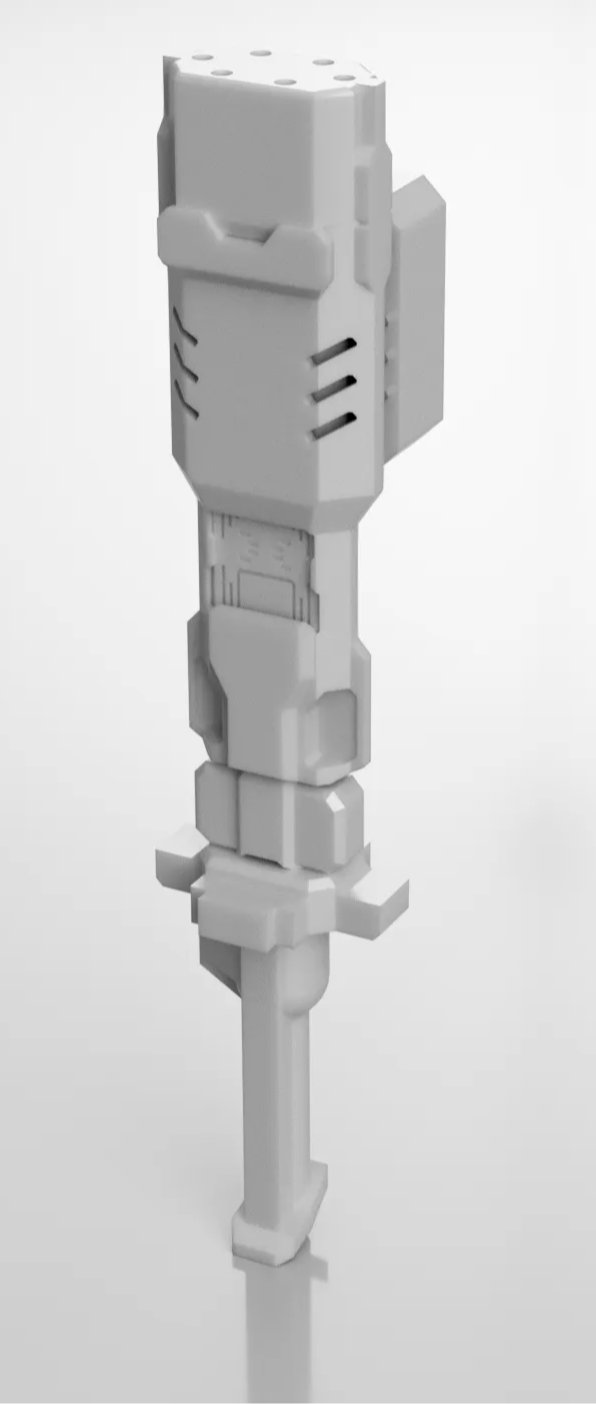
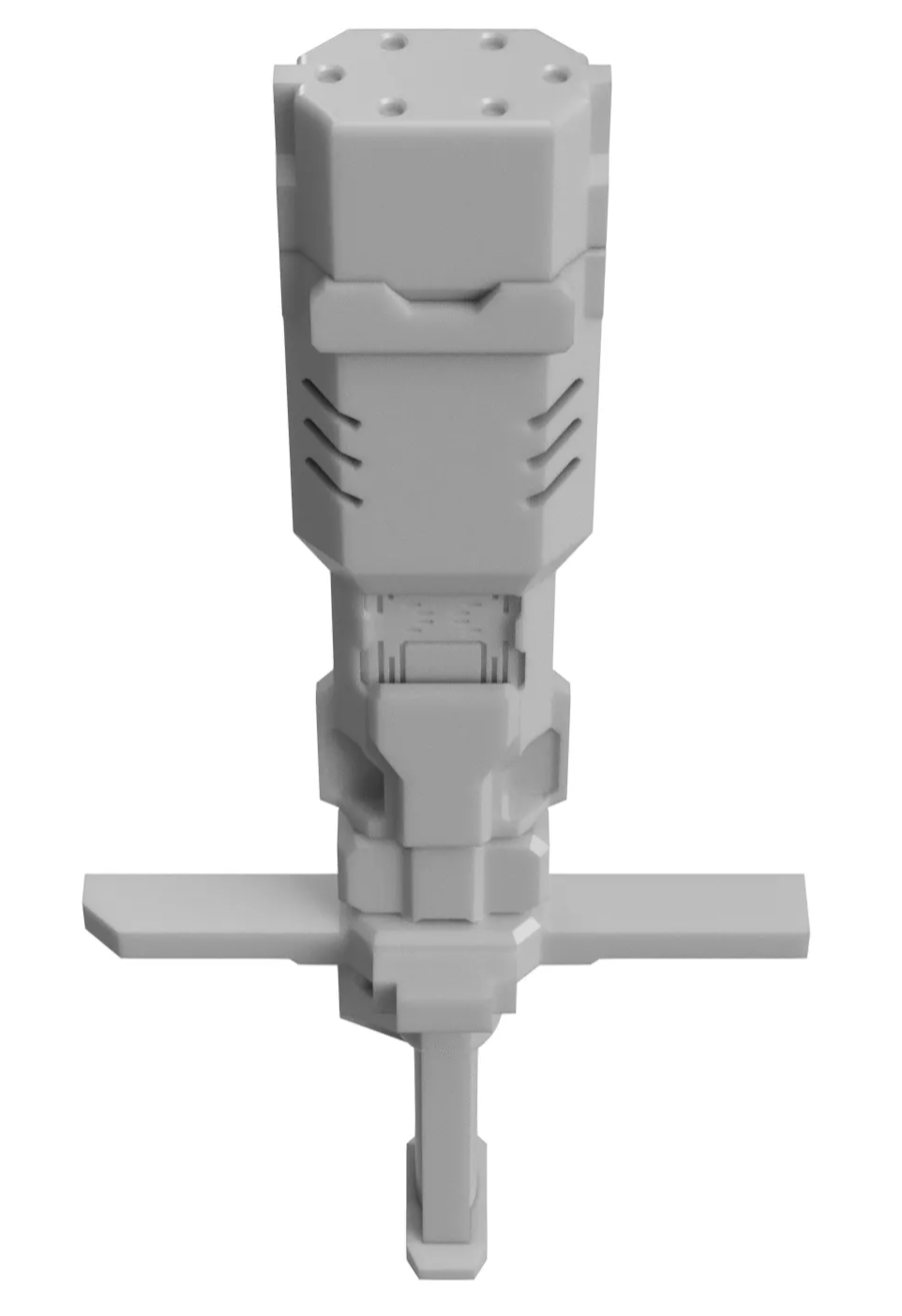
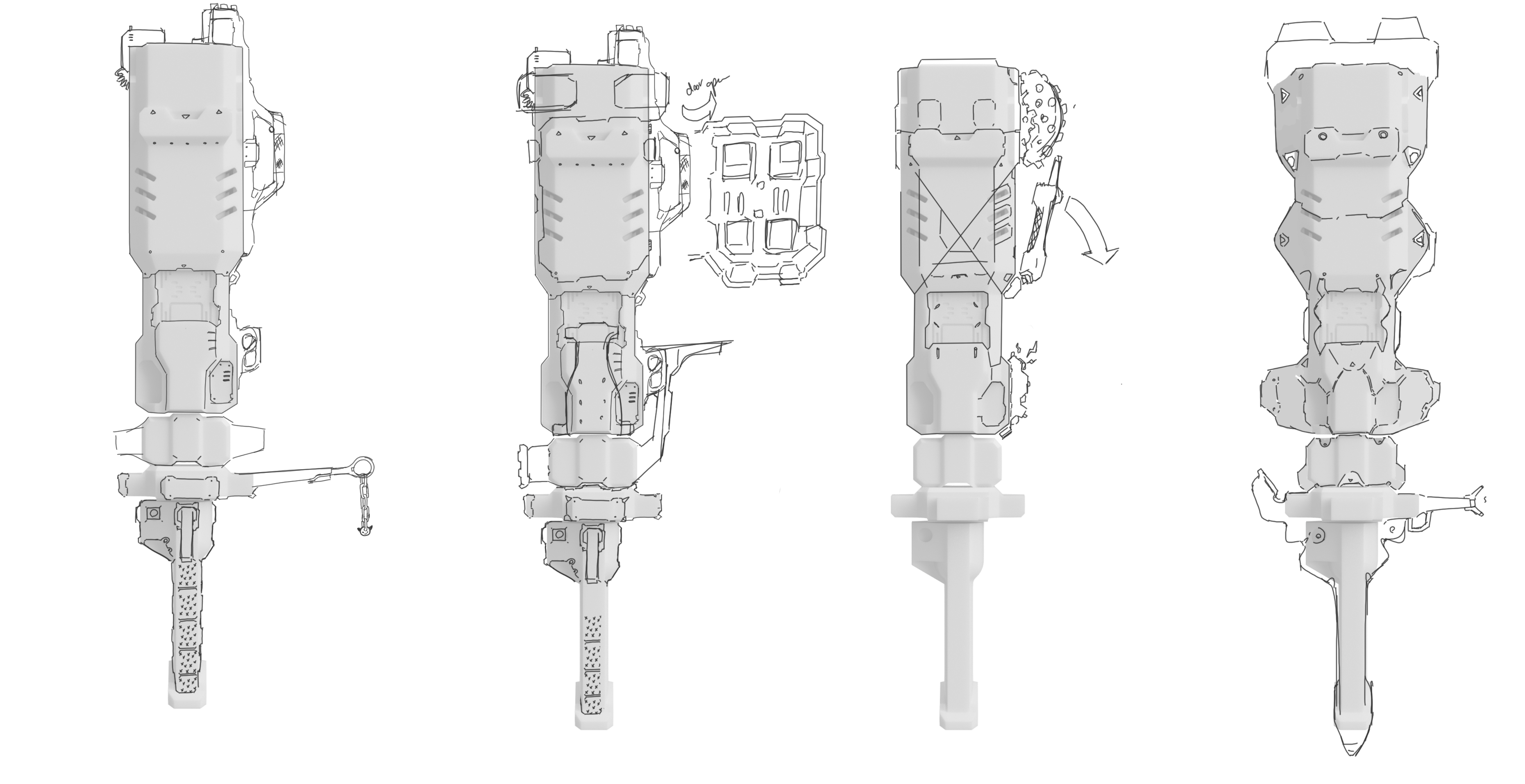
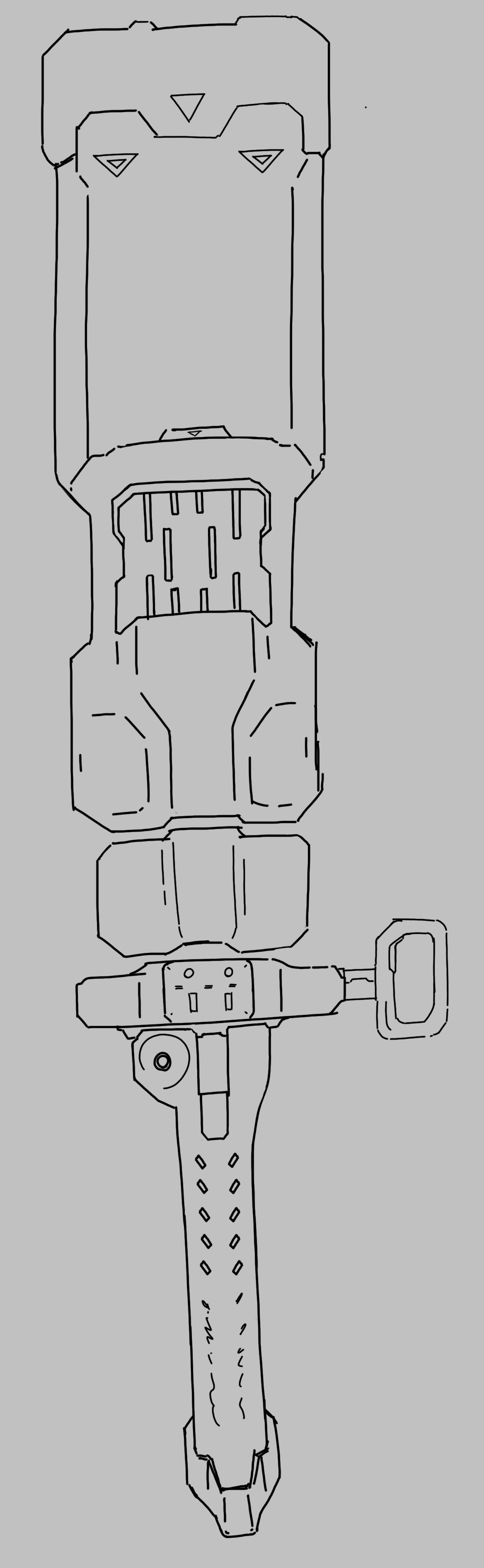
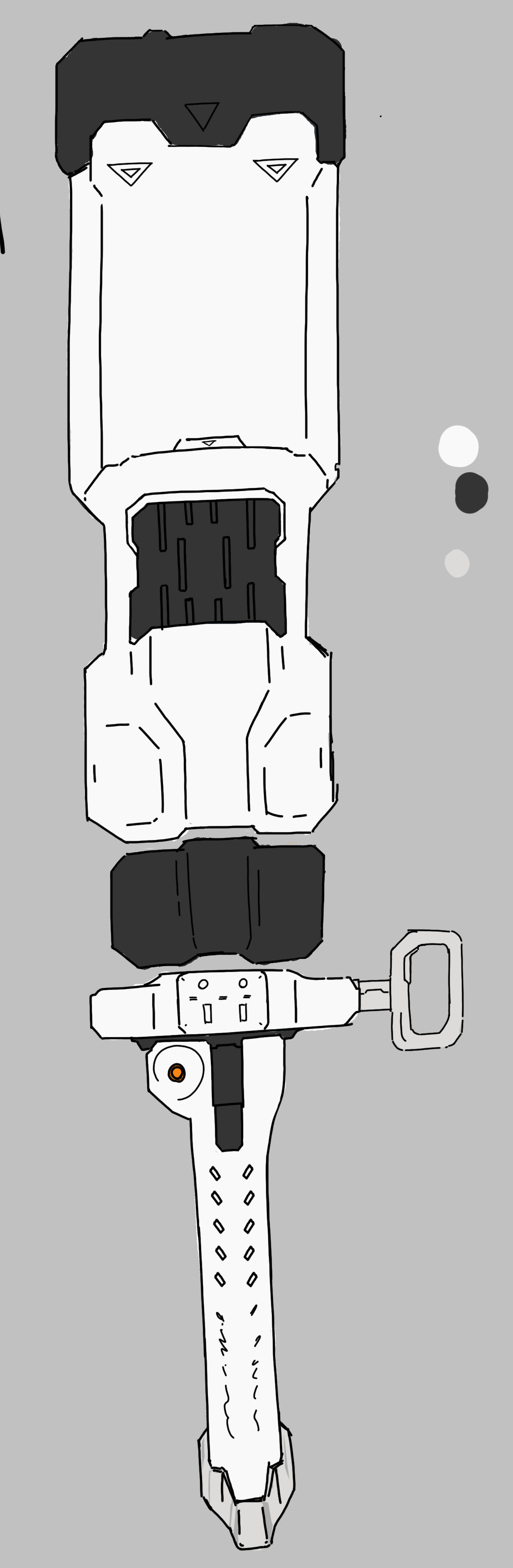
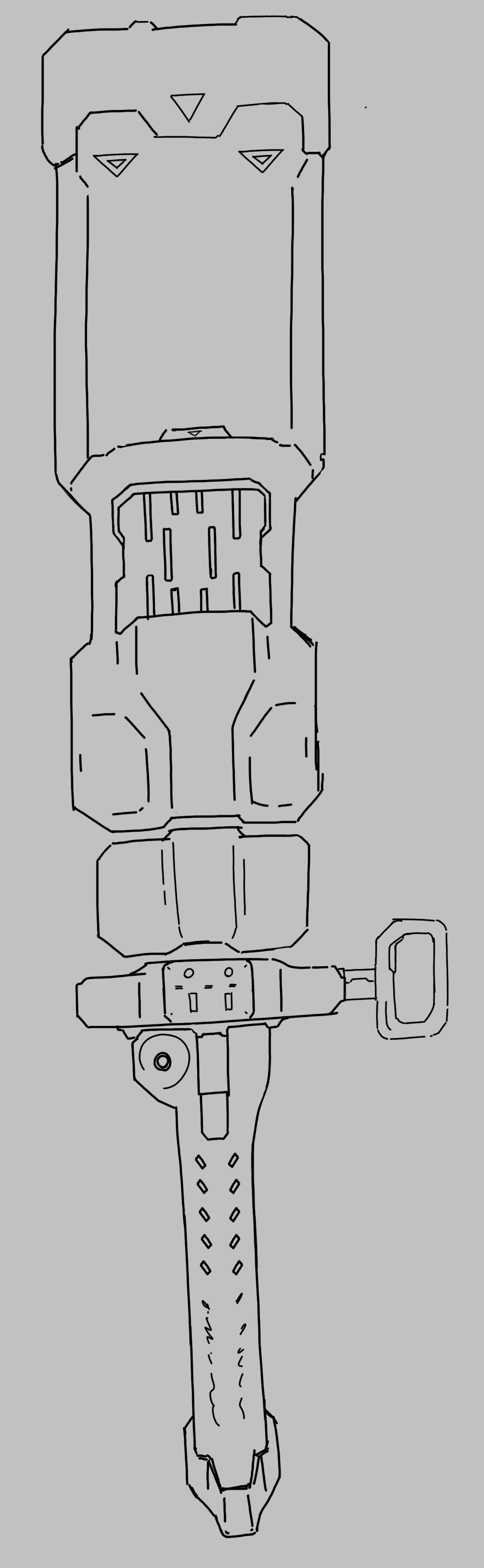
Also continuing with the design of the Batter Hammer baton, more specifically the rear view. There was more thought into it because of higher user interaction on this side, keeping scale/size and usability as well. How will the user hold this? How will they operate this?
Aiming to finalize this and then proceed to building this in a 3d software.
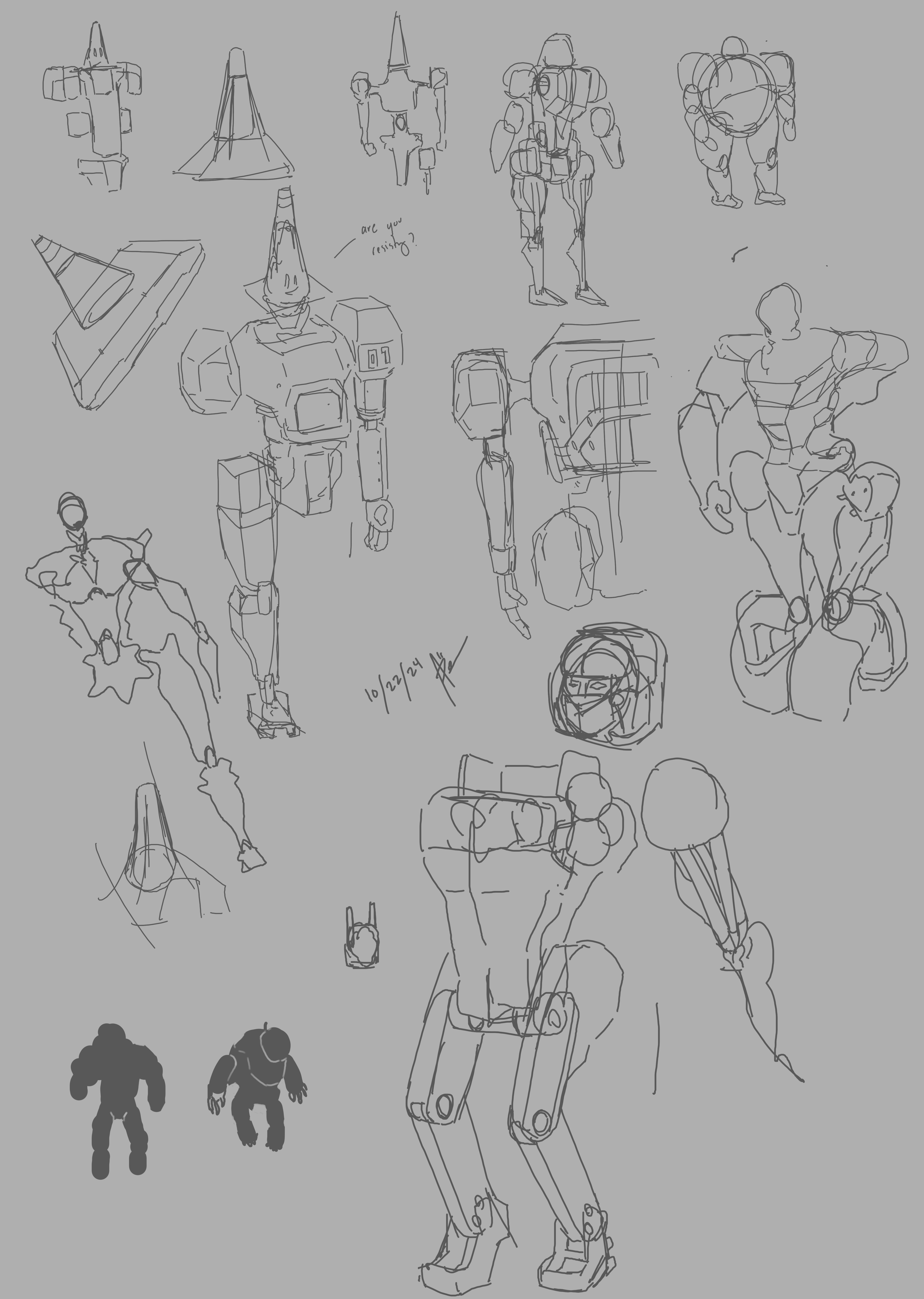
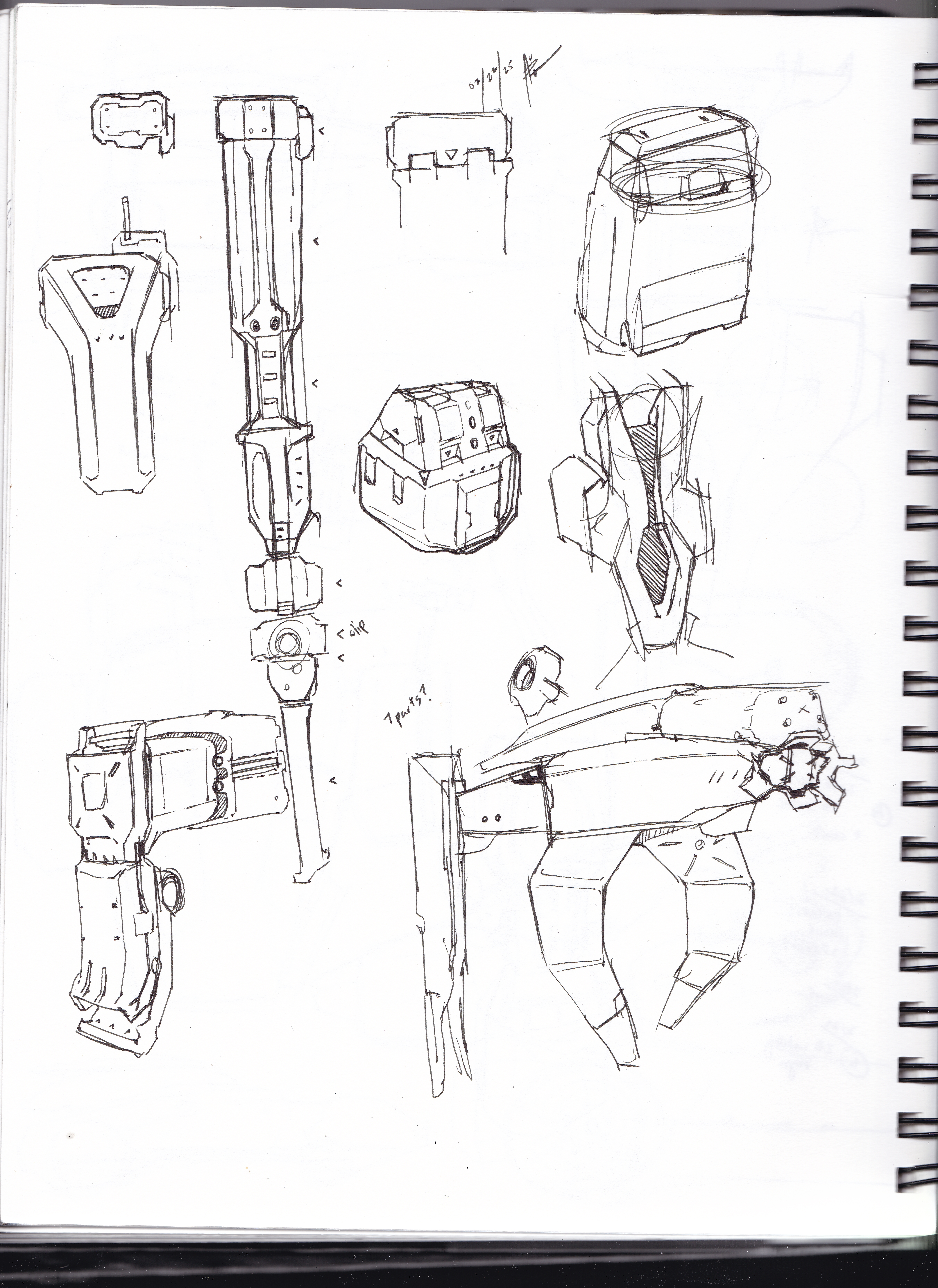
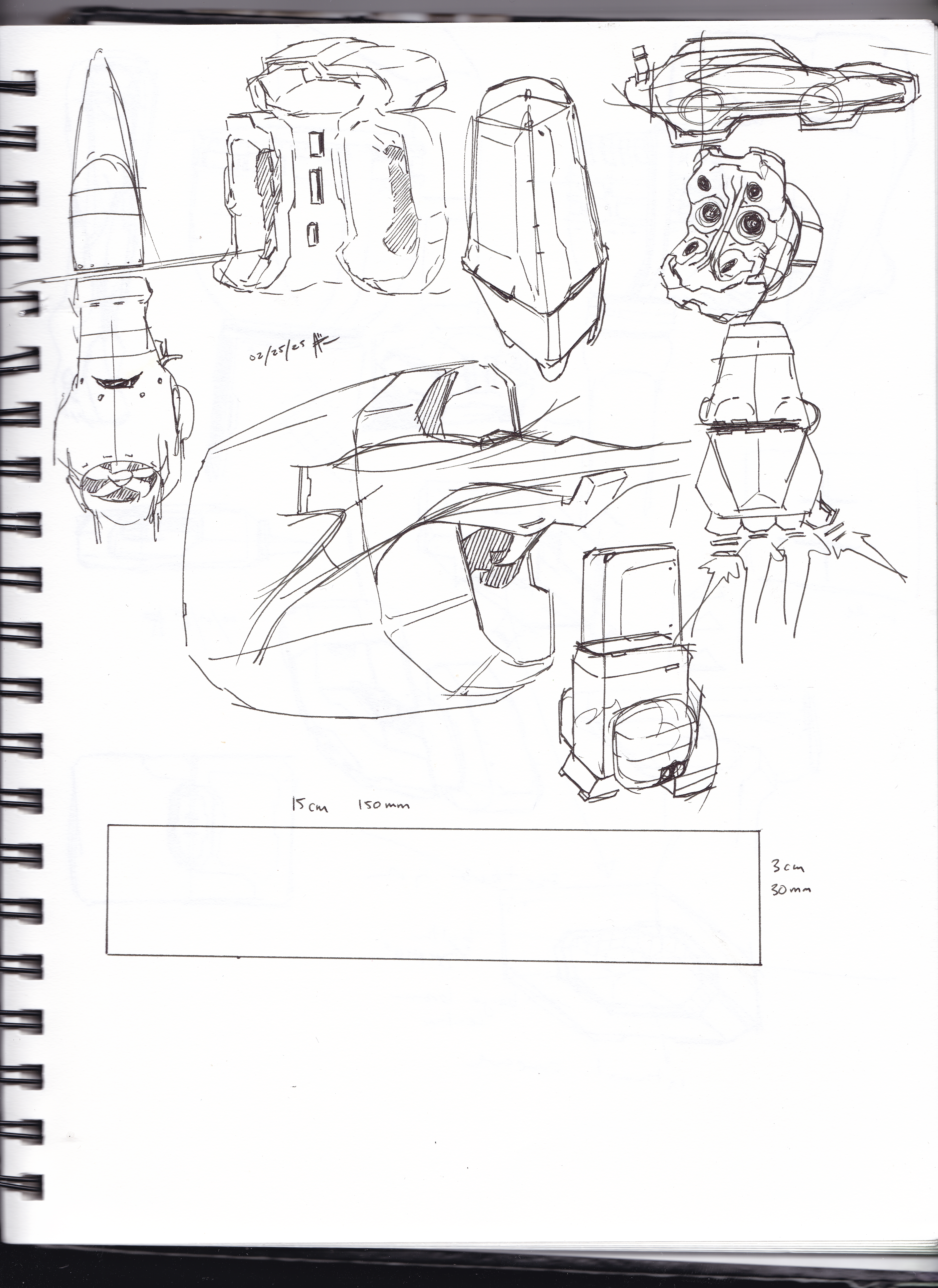
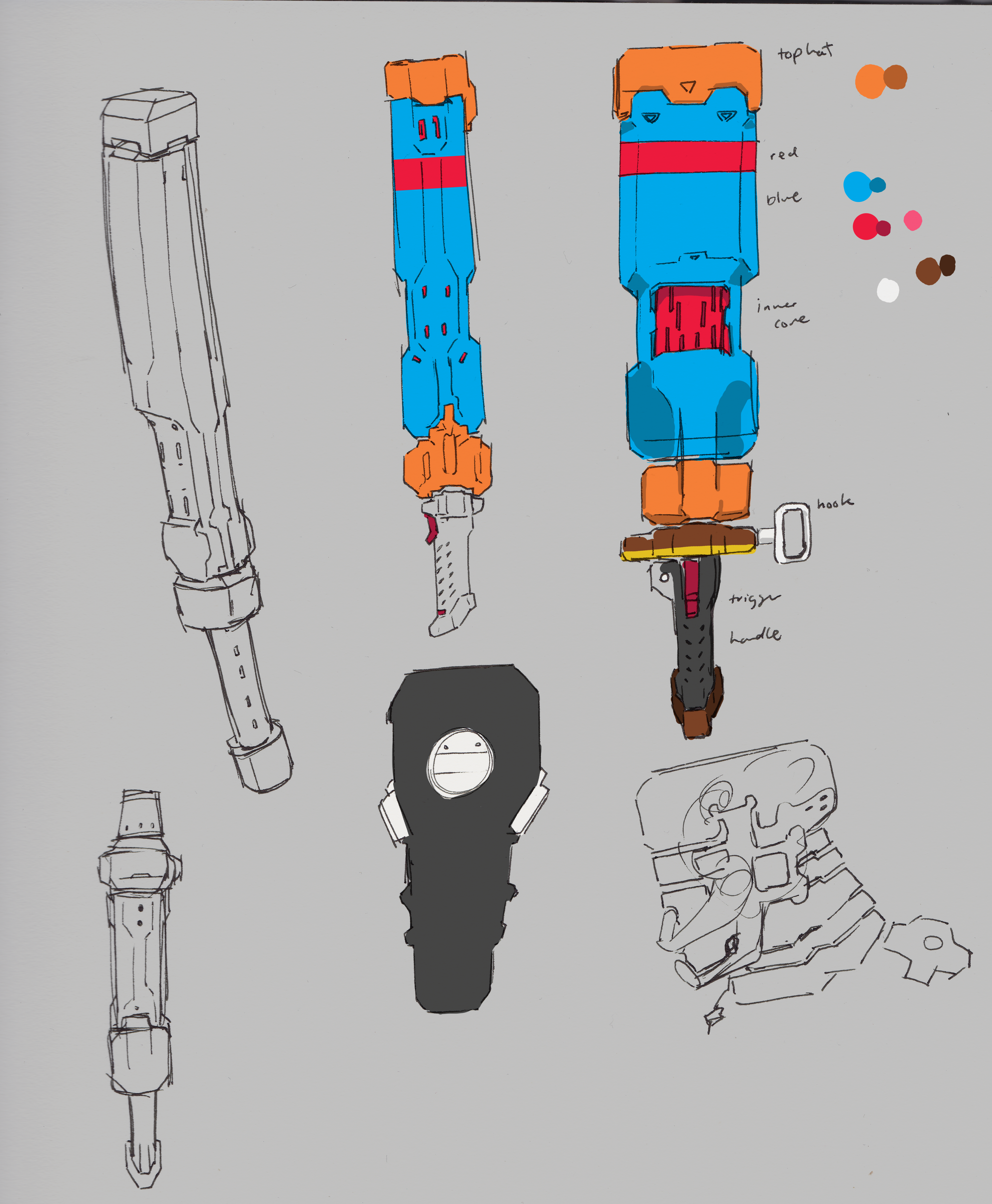
Had a bit of a break, but this week I was able to get back in to the groove of things. I continued looking into the Batter Hammer design (name to be changed…) and made some ideation sketches from the previous blockout I had made.
There are still problems I see with the design, biggest of all how the core functionality works as its a futuristic weapon design that is similar to a stun baton and uses energy projectiles.
I started sculpting in ZBrush, but decided to hold off until the design is further fleshed out.
I did continue practicing hard-surface sculpting and will continue to do so.
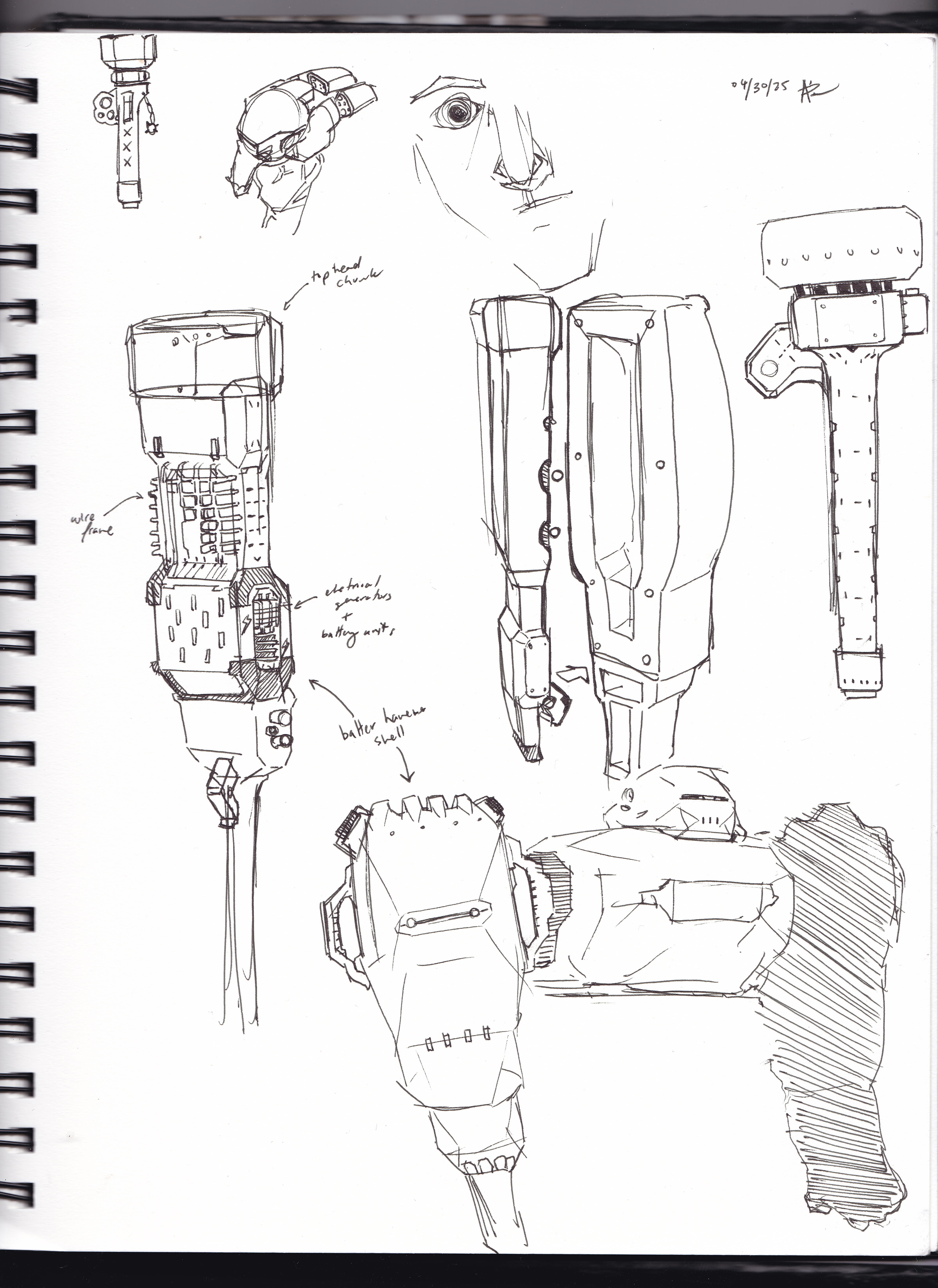
This week I was focused on the overall design of the Batter Hammer, the original quick design I made didn’t really seem great, I continued modeling the piece but made small changes here and there to see if I can improve it
But ultimately I started doing more overlay sketches to see if I can do different iterations of the design to see which stuck out, will continue to do so possibly in the following weeks
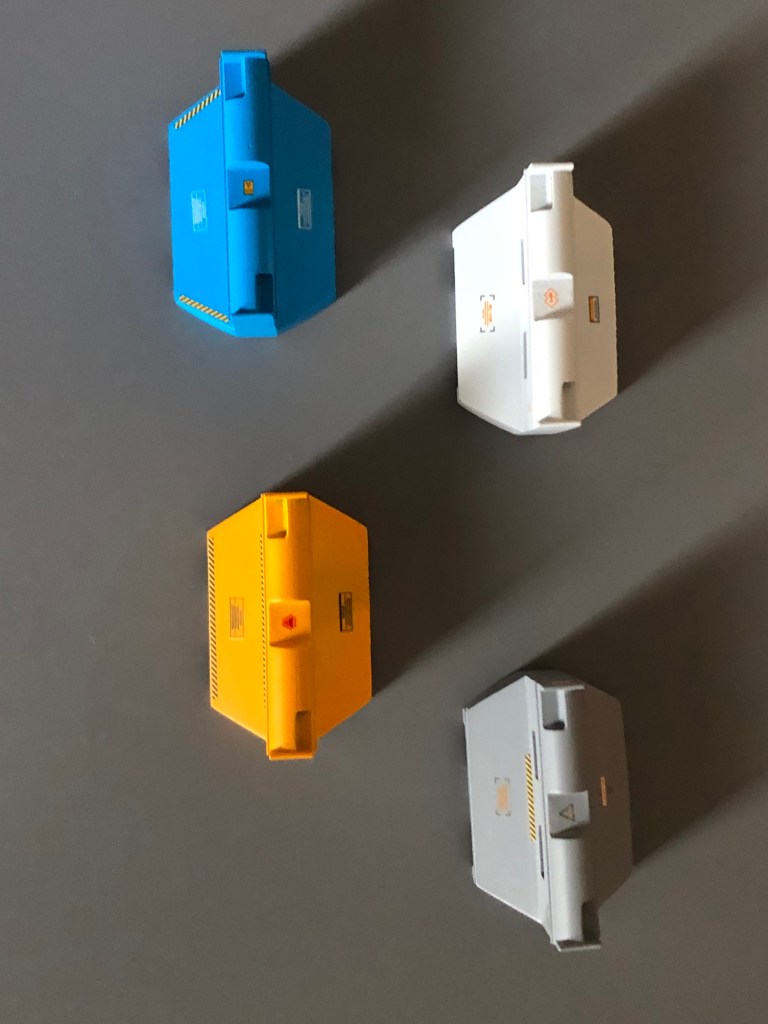
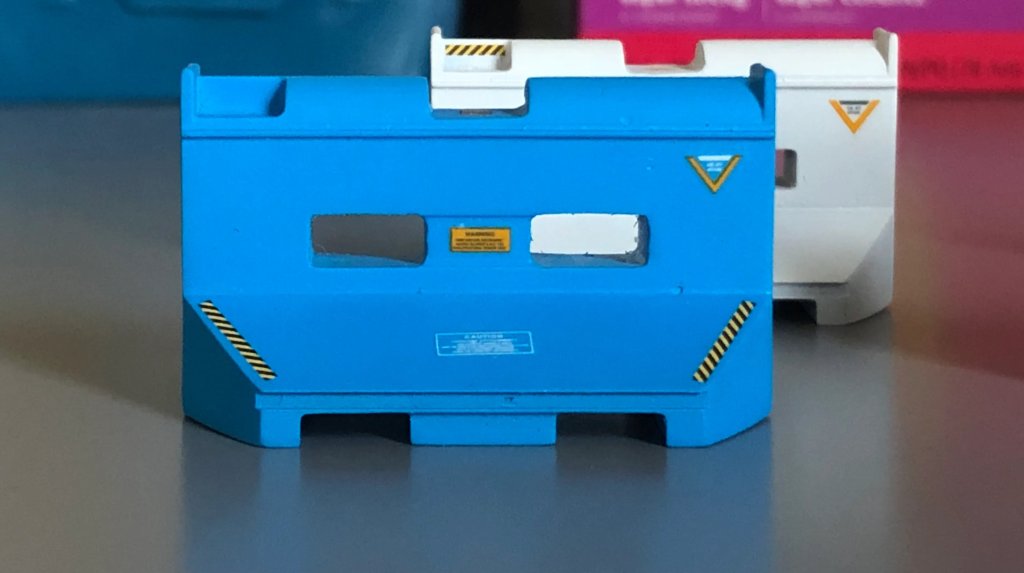
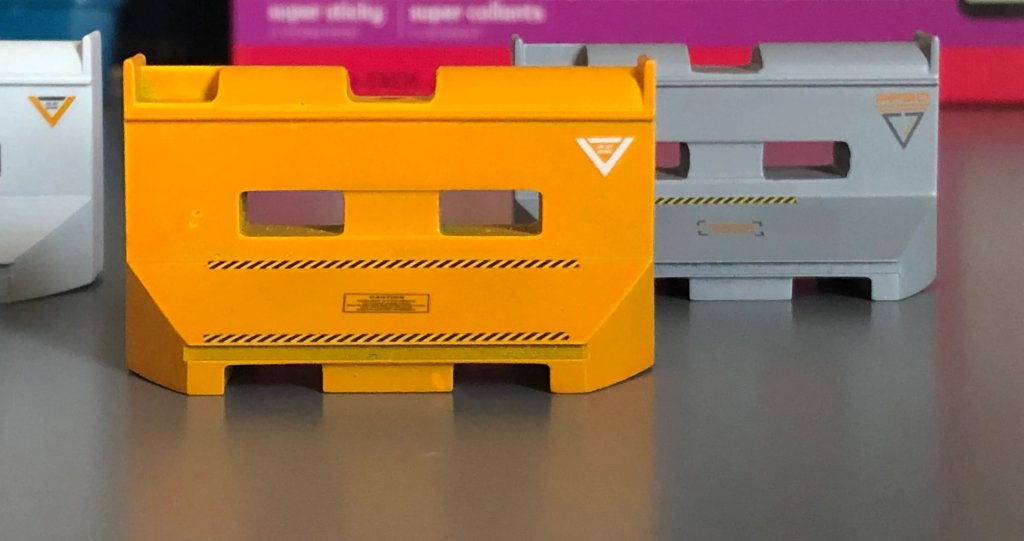
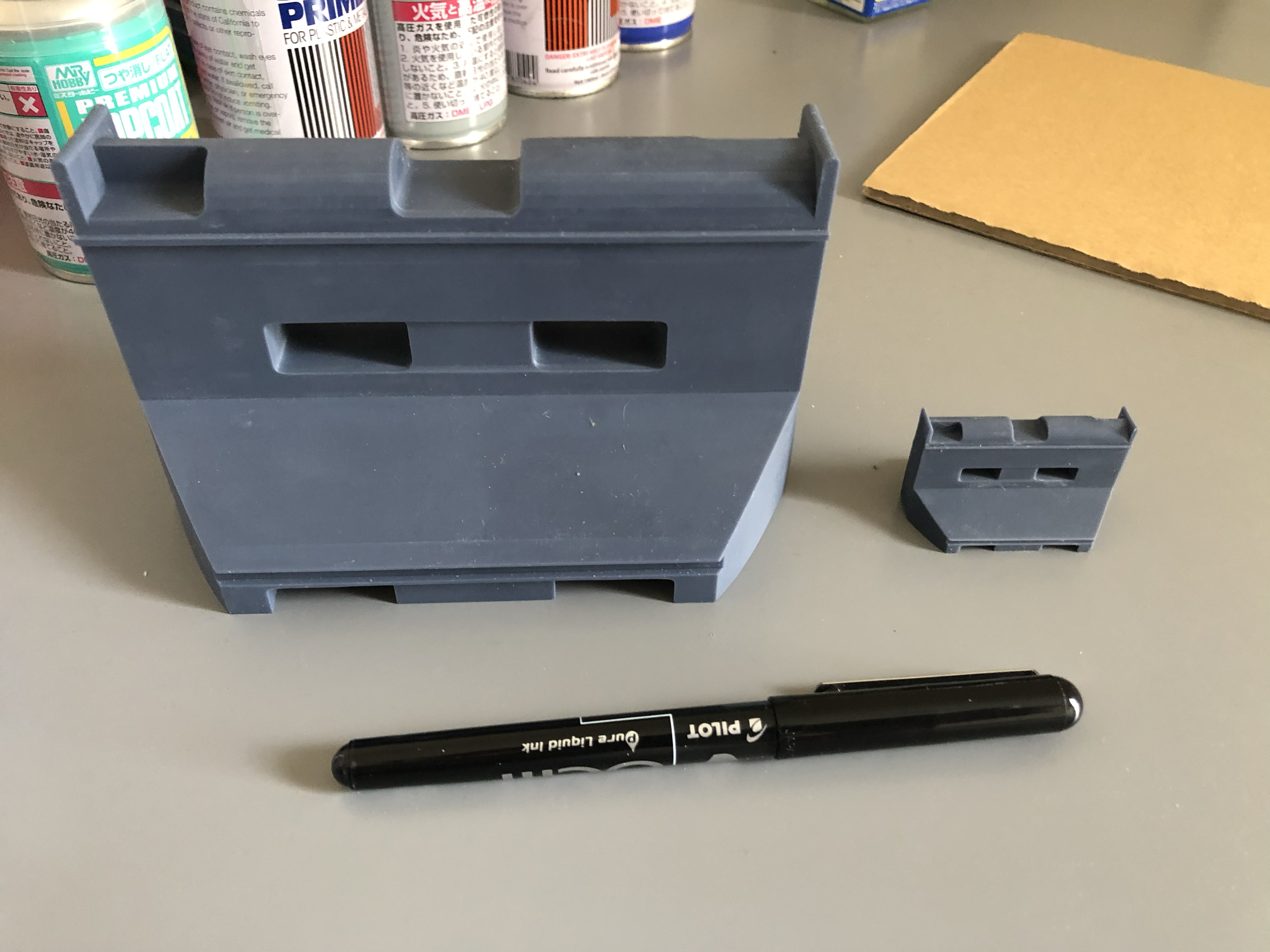
This week I focused on finishing the Barricade model I printed last week, it was a great experimentation on color style, decals and painting techniques. I used straight-up paint cans as I don’t have access to an airbrush at the moment and they came out very nice.
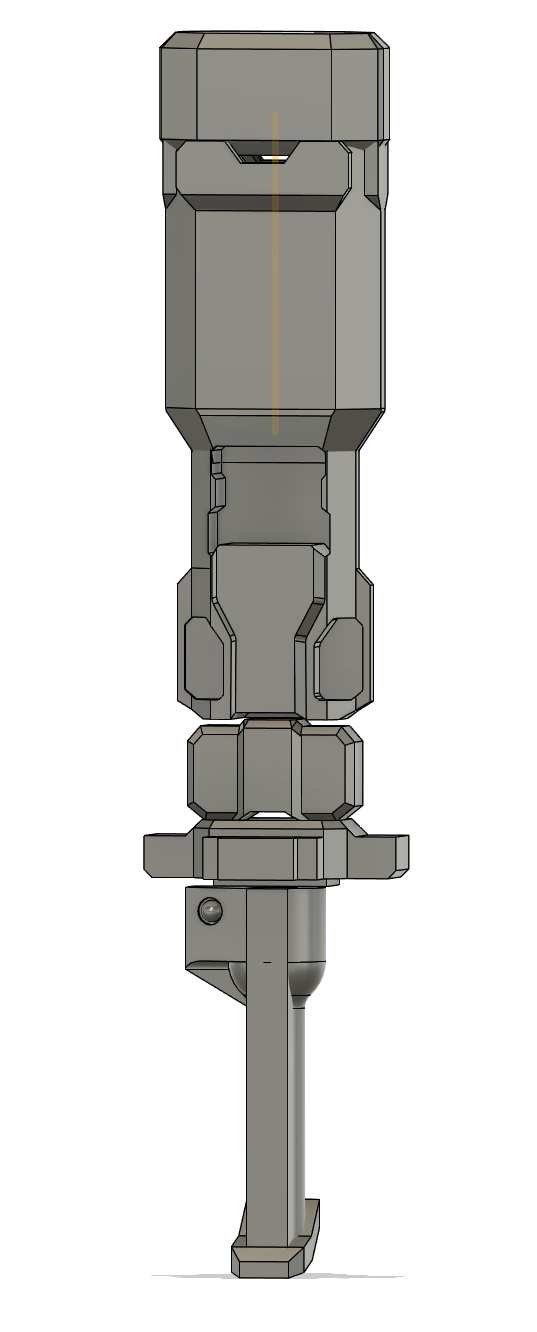
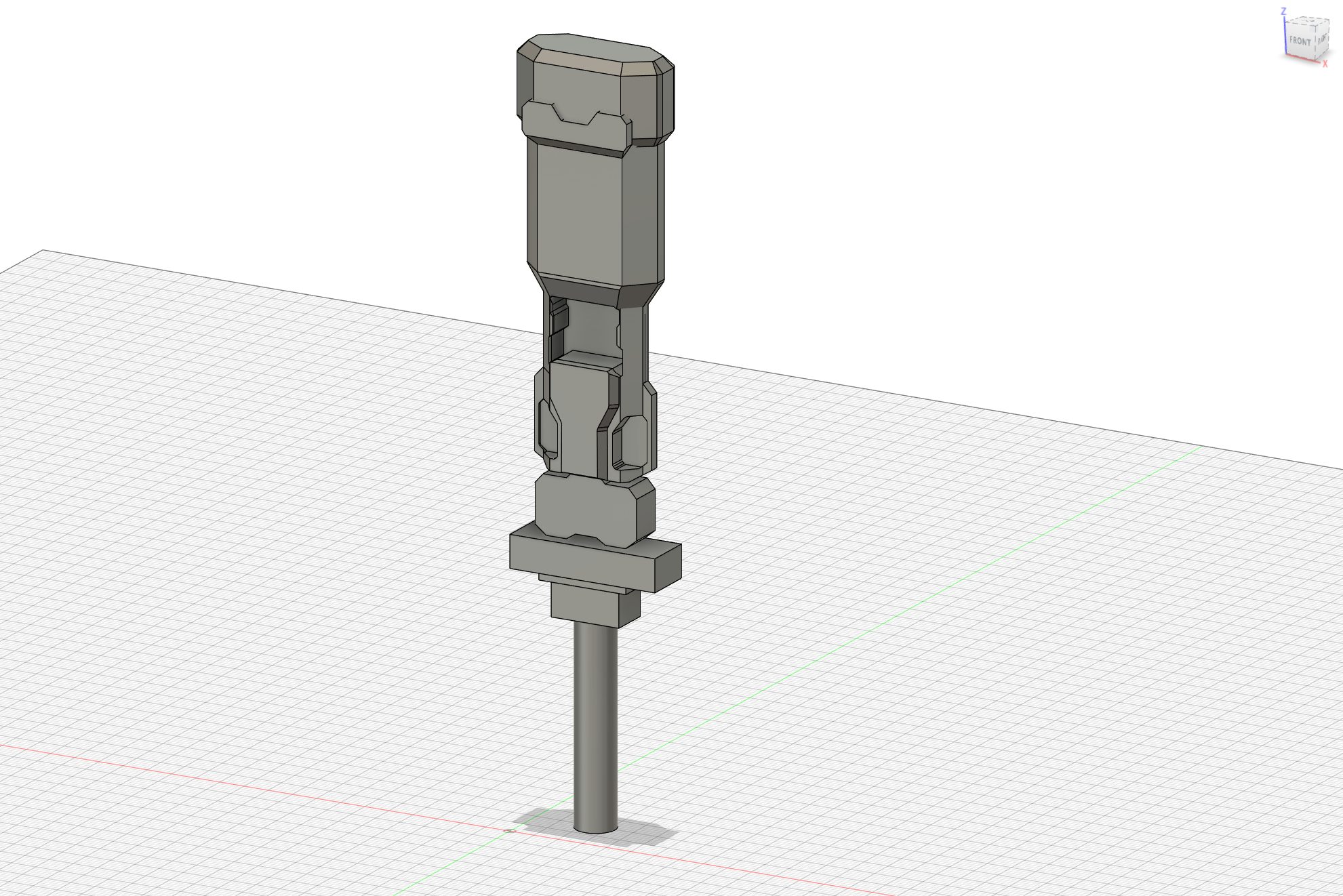
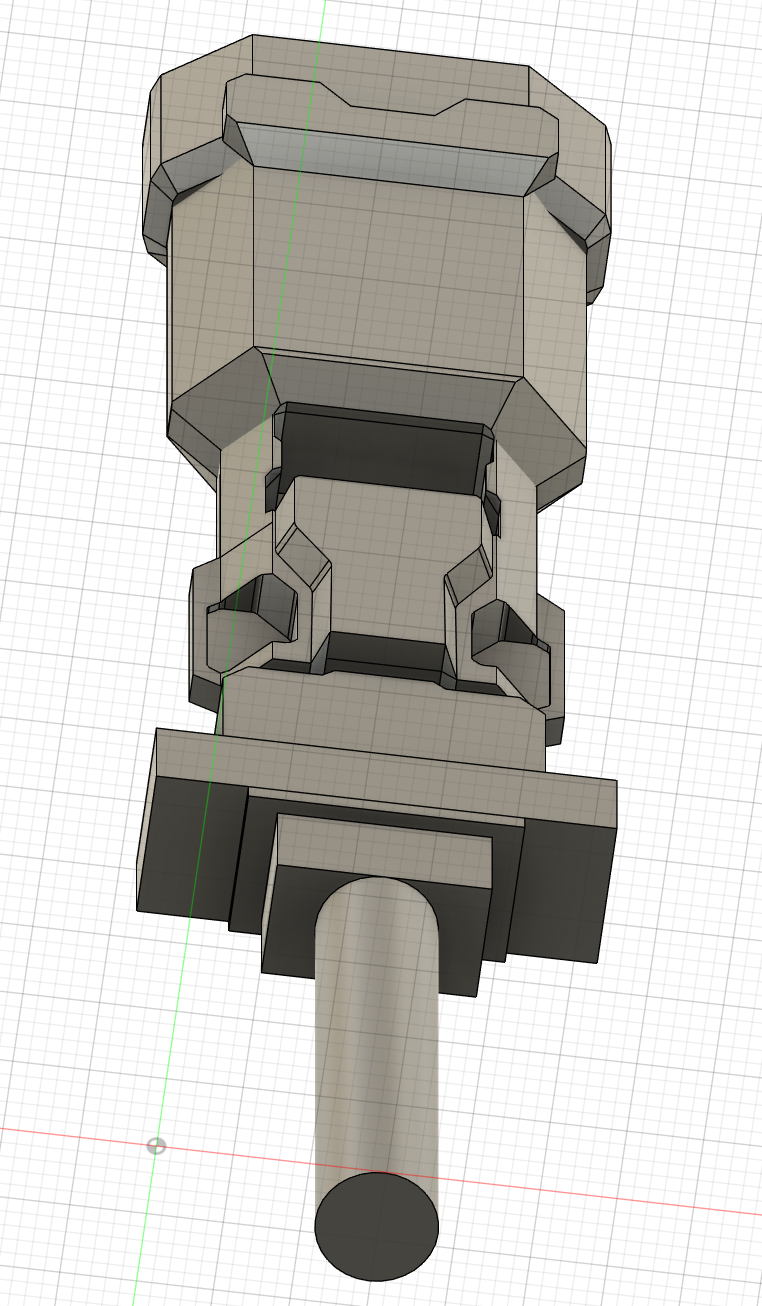
I continued modelling the Batter Hammer (weird name, to be changed in the future…) and got more details done. My goal is to complete the modeling of all parts in one go and then separating them to 7 – 9 parts for printing.
This week I focused on modeling the Batter Hammer on Fusion 360, tried to get it done this week but it was a busier week than usual. Modeled what I could and printed a “Beta” version, will work on building out the handle and details next week.
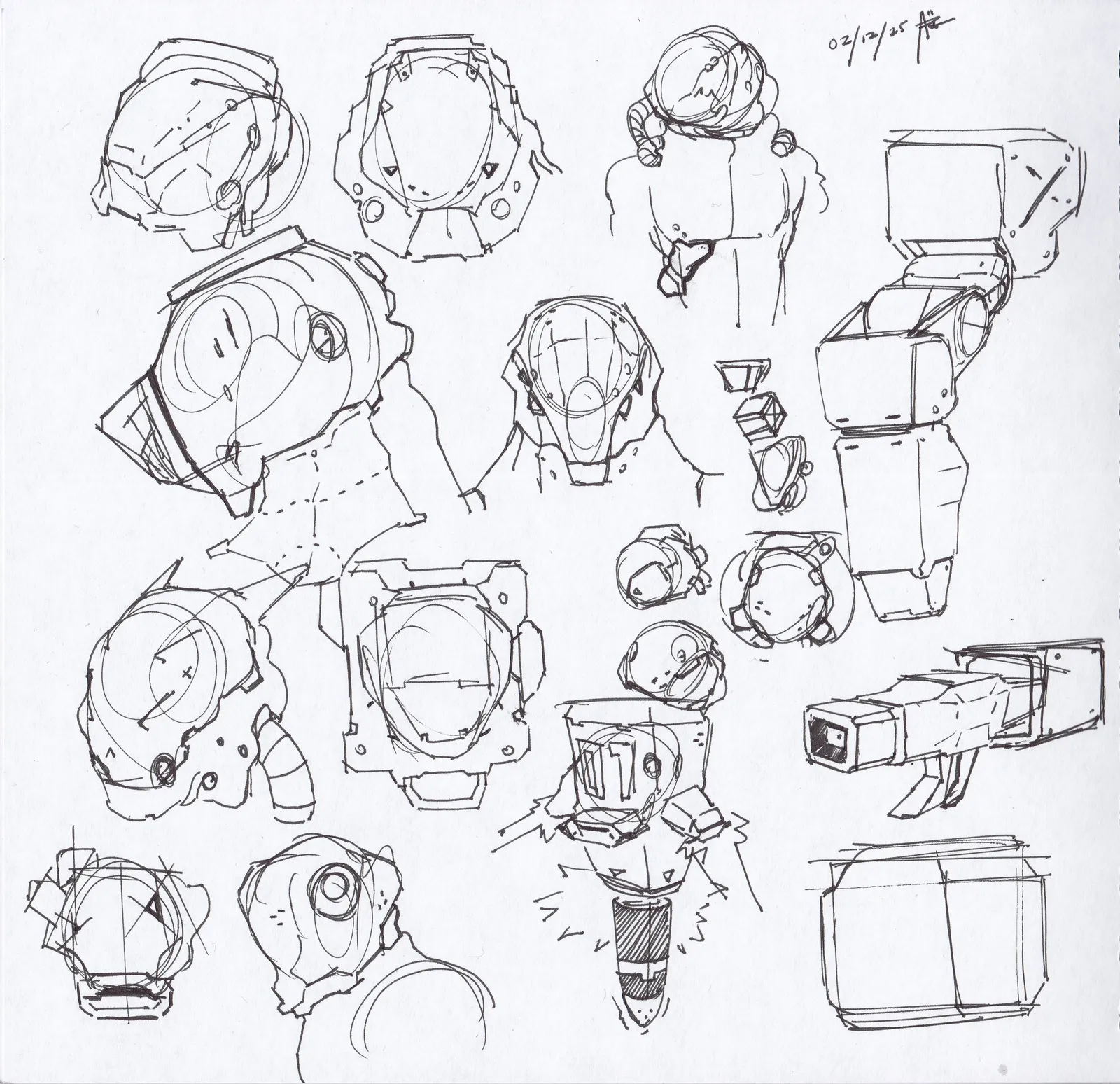
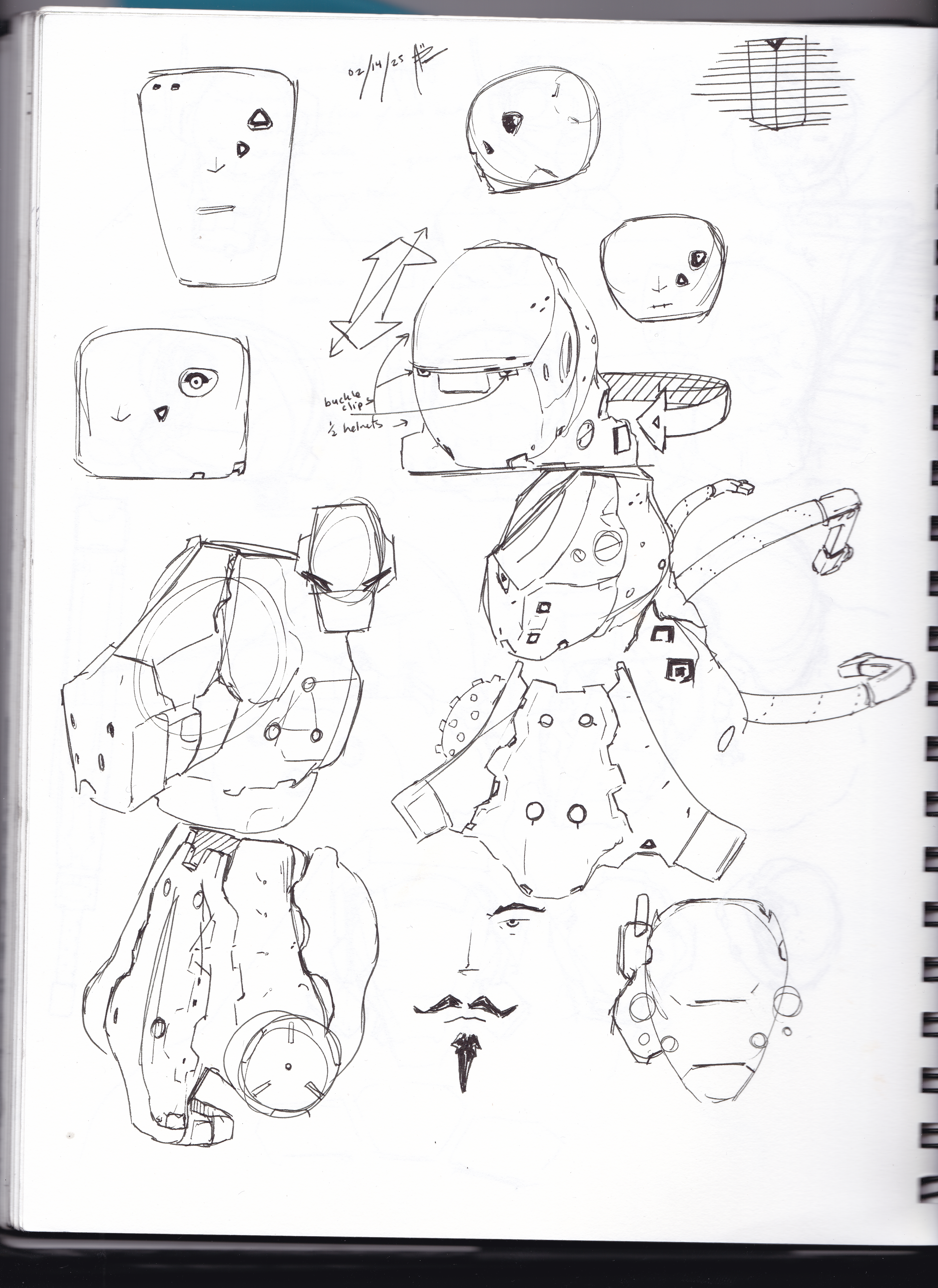
Sketches from my time at the coffee shop this week:
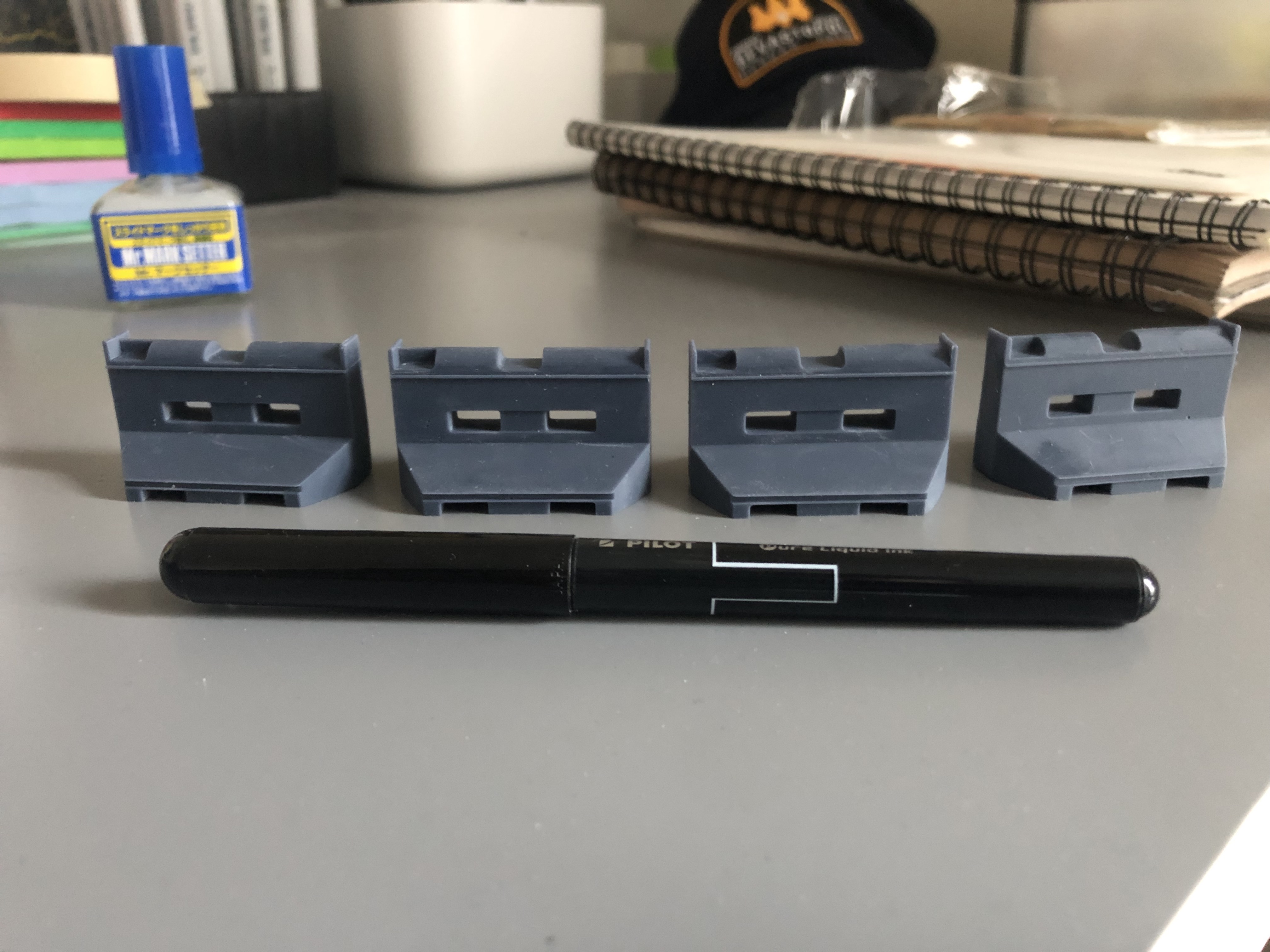
Also after the tiny barricade prints from last week, I got the “Jumbo” version!
This week not much work on the Lab nor UE5… But this week I focused mainly on ZBrush hard-surface modeling working on practice exercises
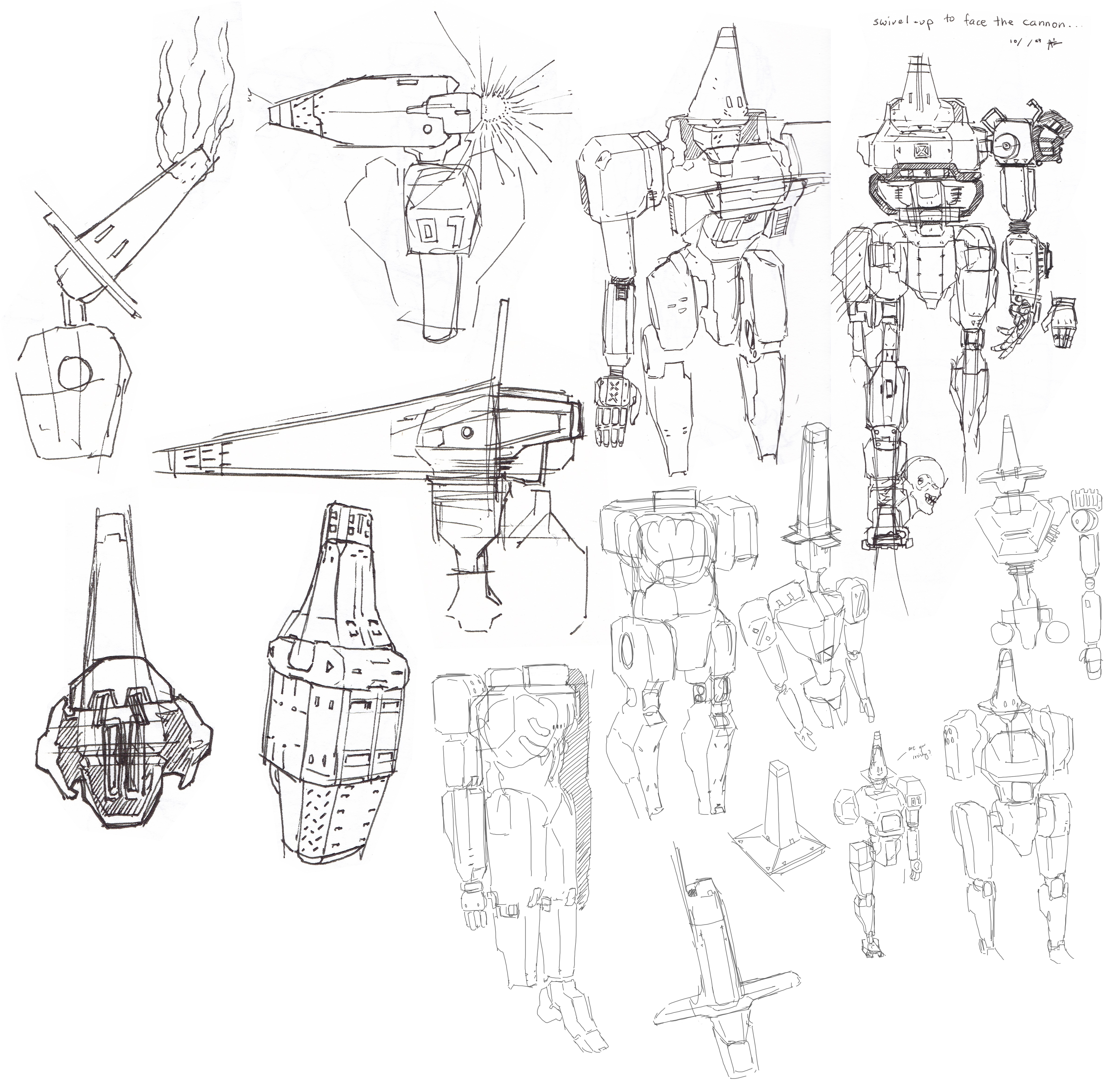
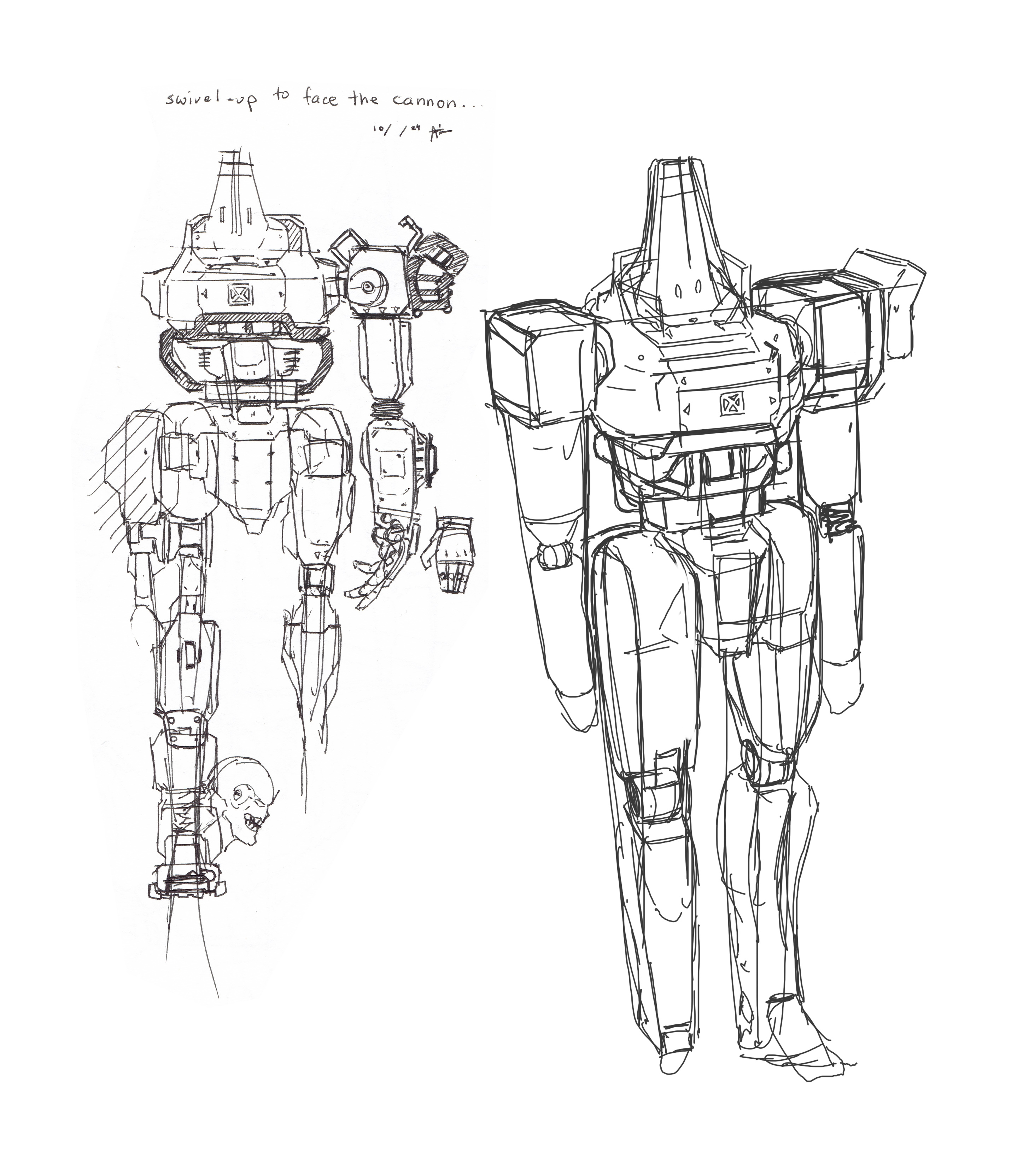
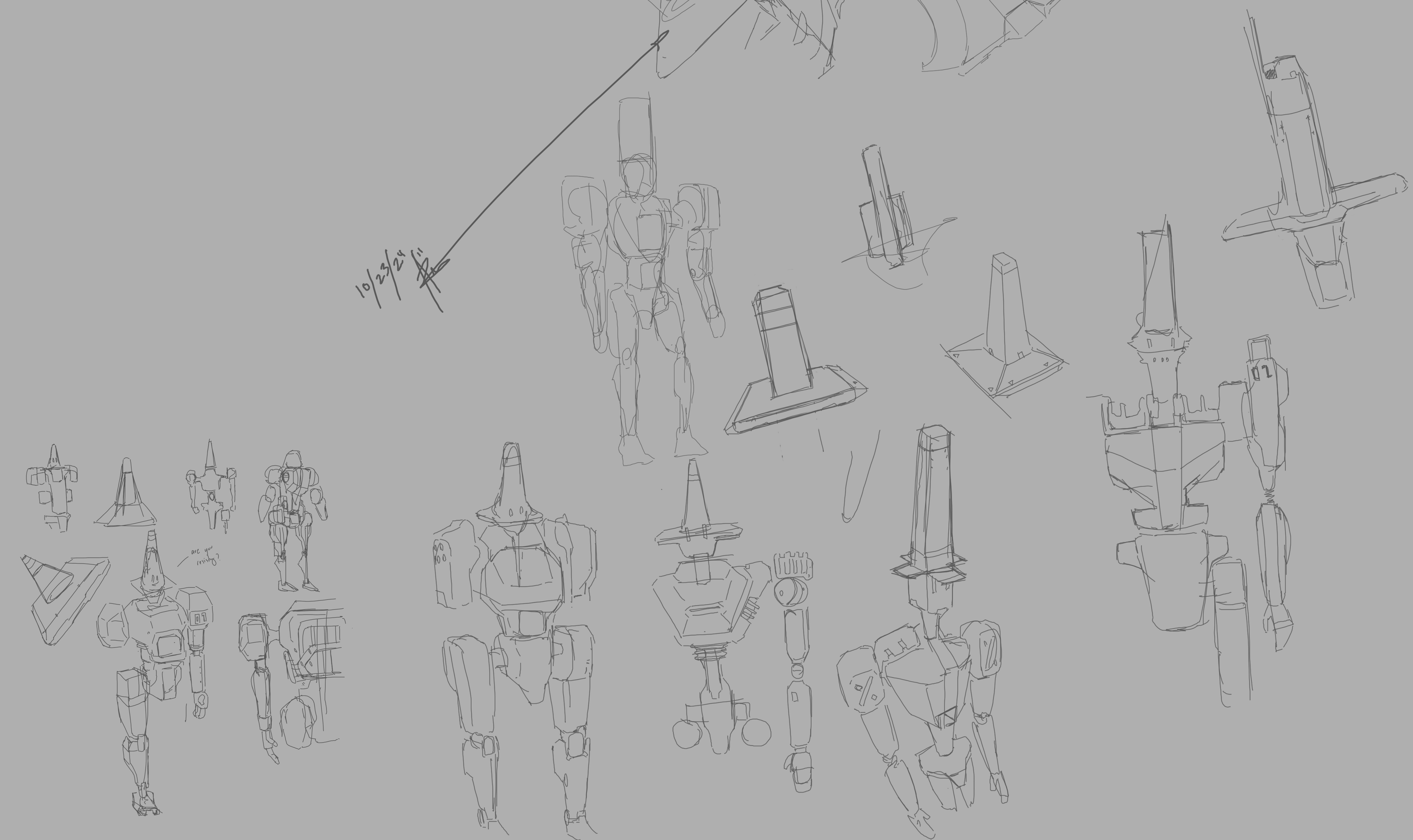
These were my week’s sketches I made while I went to the coffee shop
From the sketches I decided to model the baton looking tool
Going to work on modeling this later this week. see how it goes
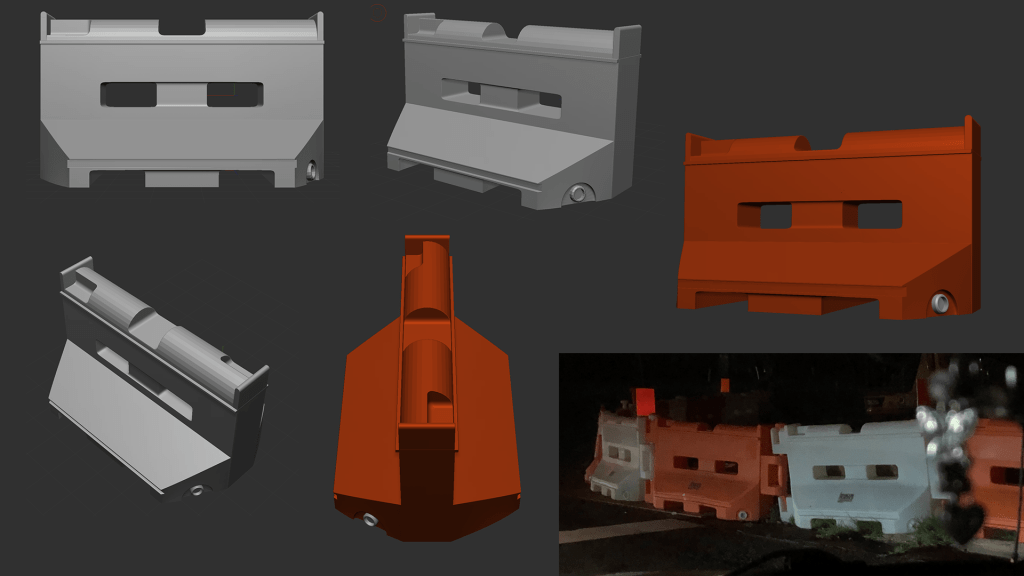
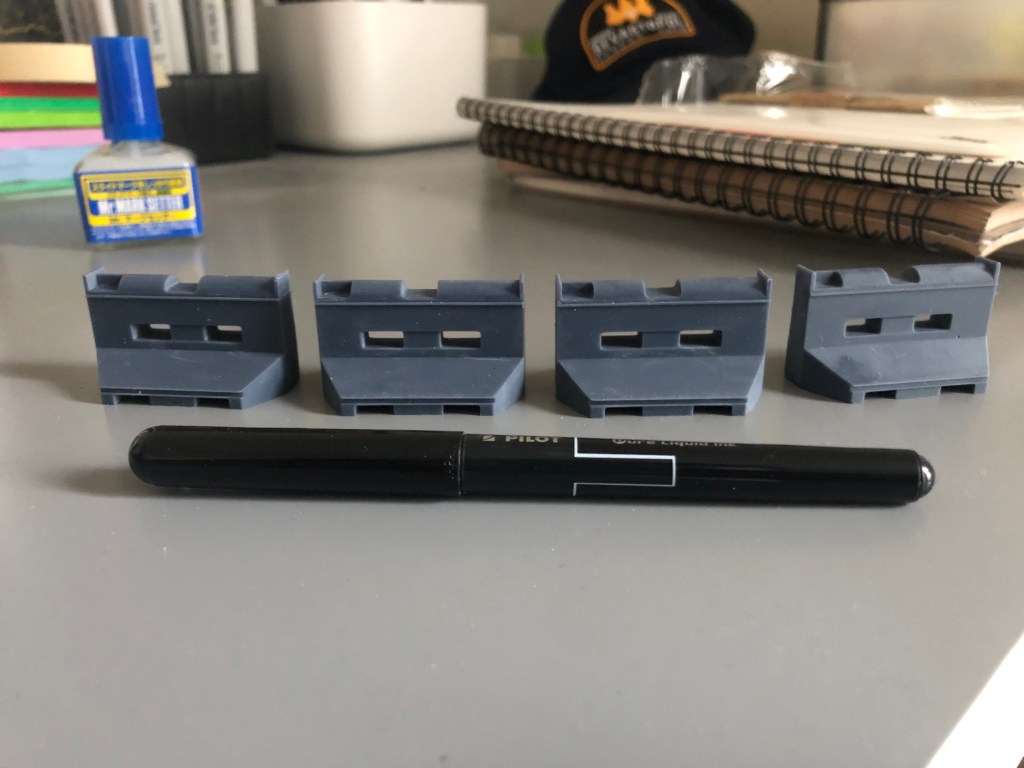
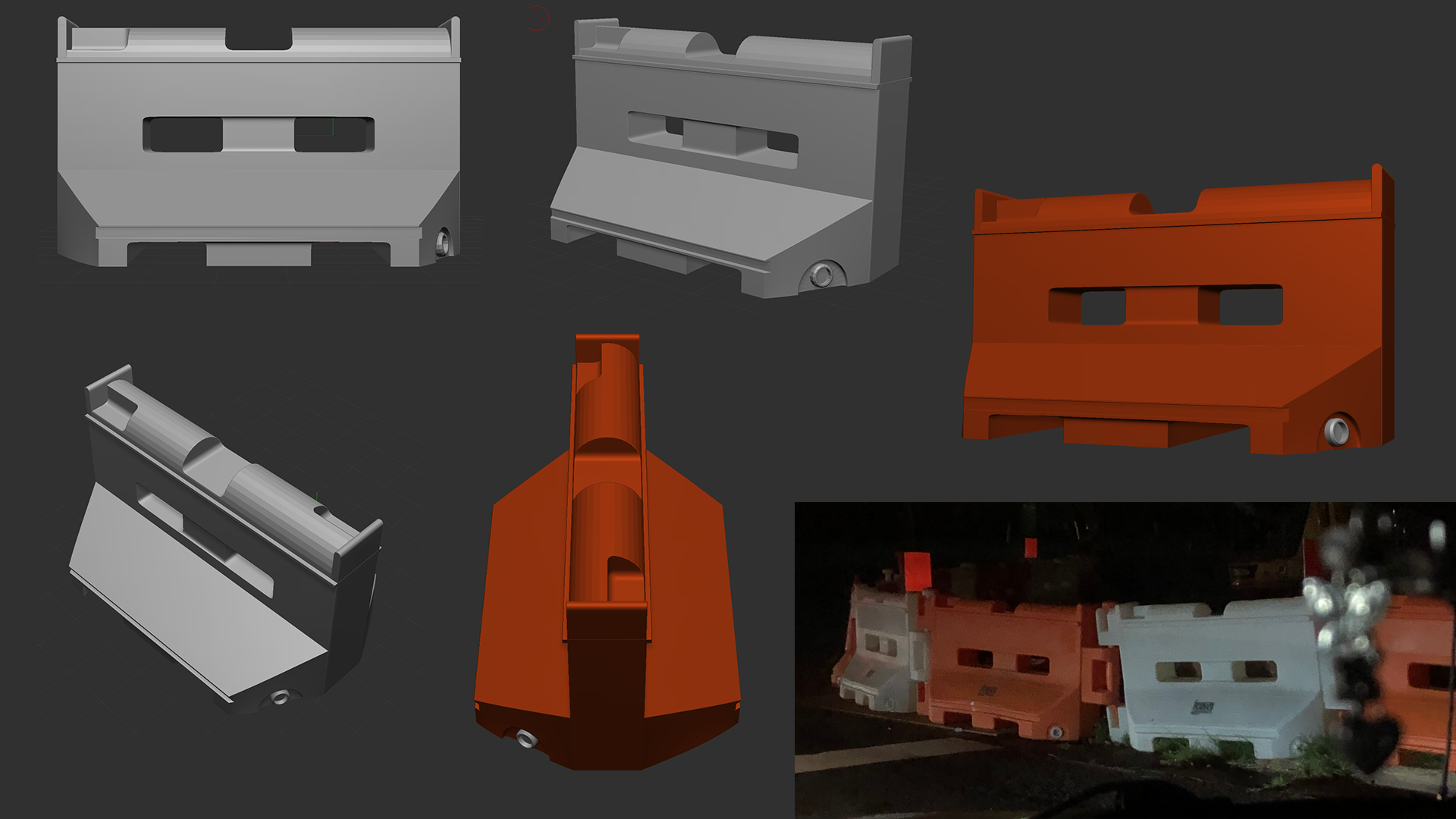
For this week though, I 3d printed a barricade model I made based on the one I found outside during my drive. (Albeit it’s missing the side hooks, if the model looks good, can work on adding those to make a chain of these…) Also ordered some sanding pads, paint and decals which will come later this week fingers crossed to start giving it a finished look
They came out tinier than I expected in my first run…….
For that a reason a *jumbo* print was made, still waiting on that to finish printing, will post here eventually alongside the baton concept
This week I spent time getting into diving into different topics/projects I hope to work on.
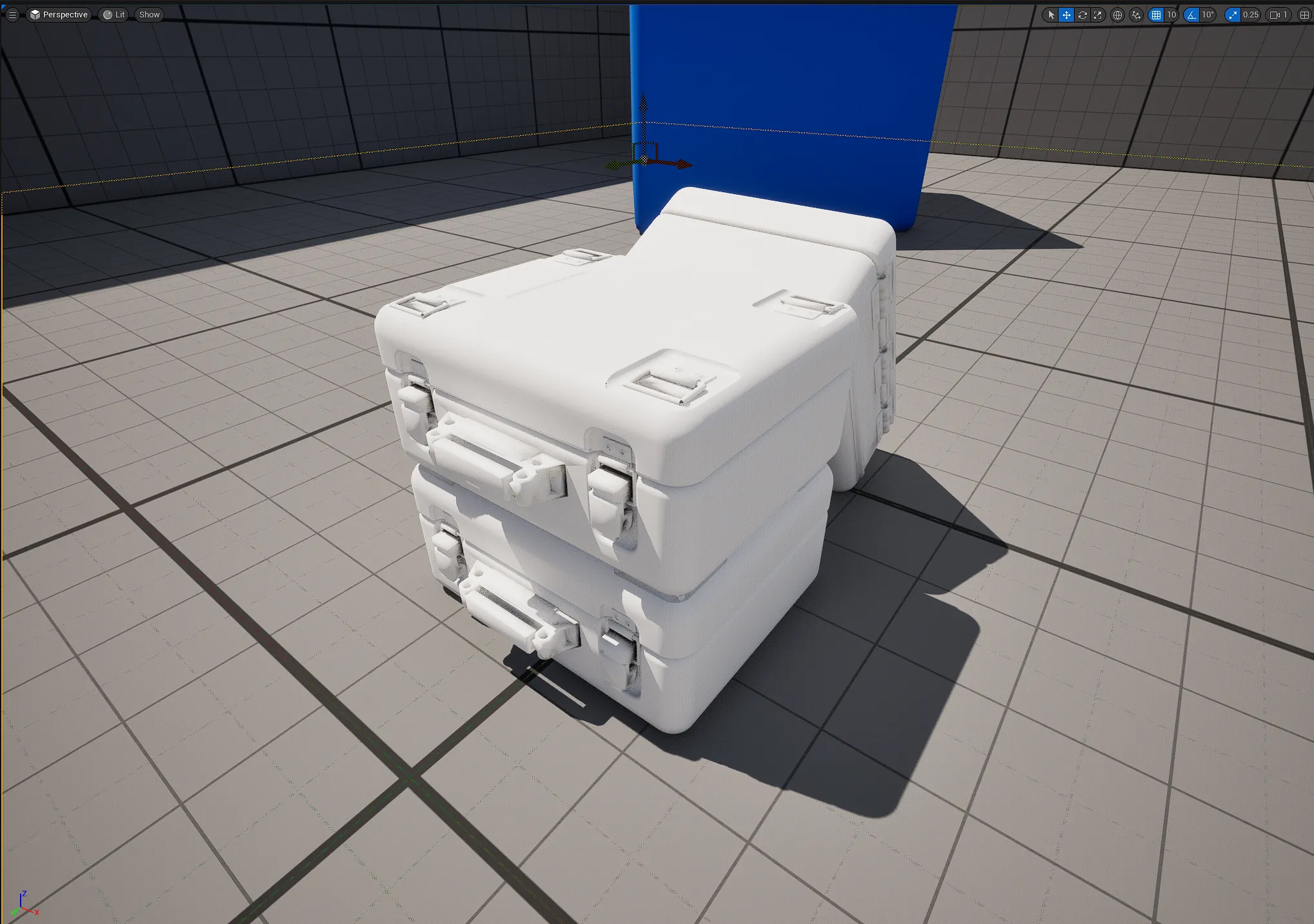
One such project, I call the Lab, which will be a 3D representation of my design studio and fictional hyperbolic time chamber. I wanted to use Unreal Engine 5 to make it a explorable environment and started by testing how I can import objects into this software. I took my MGSV container model from Fusion 360 and was able to successfully import it, but I quickly realized how you import the model is important. My model had multiple bodies, textures and shaders that came from the Fusion 360 software. After multiple runs, I simplified the model essentially by combining as many bodies as I could. Good to know for the future!
Here are three models stacked in the UE5 level:
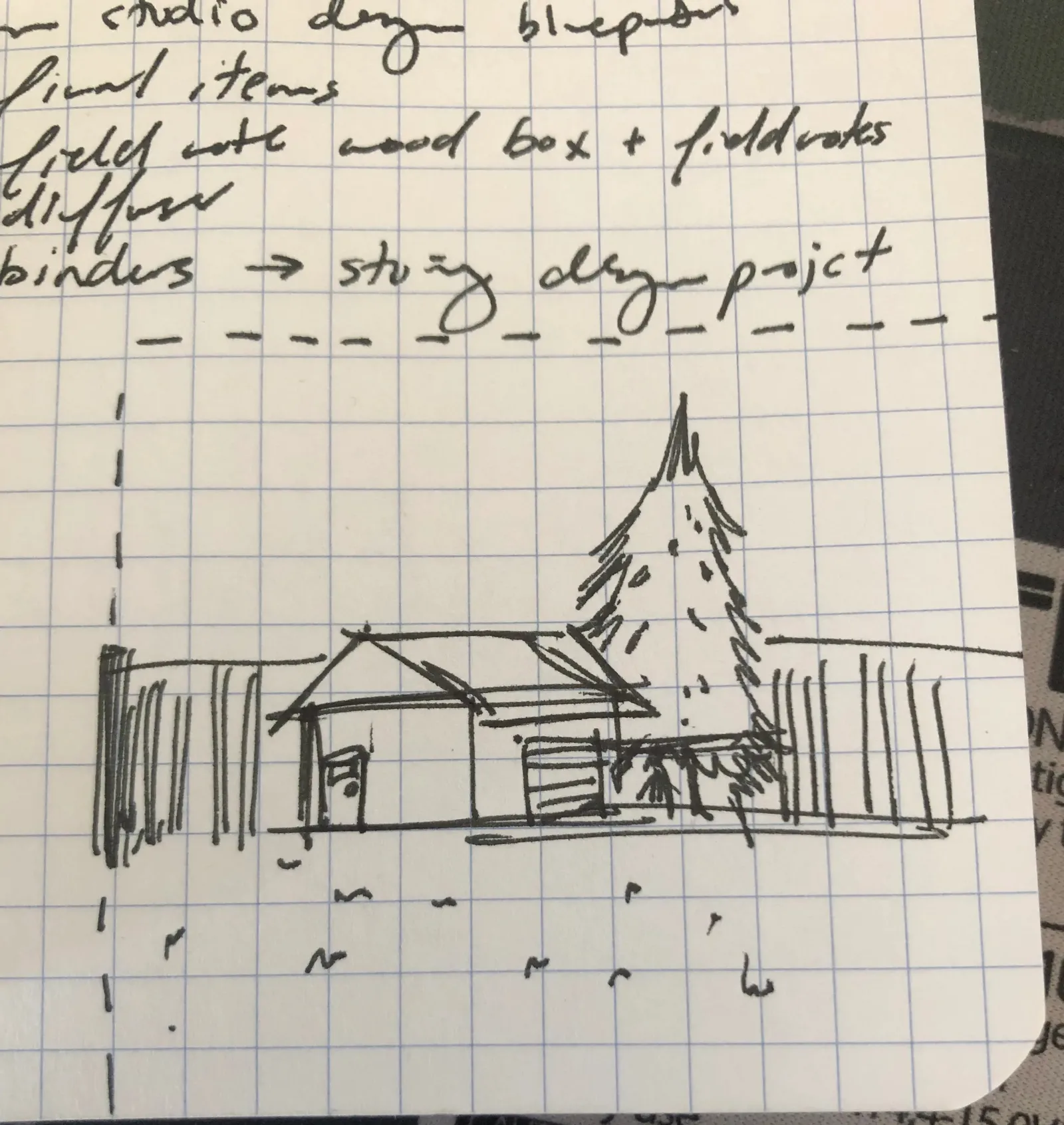
One thing I wanted to add was a mini-remote facility on the edge of the Lab, I got the idea one day during a roadtrip with family, I would see tiny facilities housed around by a metal fence, a small driveway for 1-2 vehicles, patch of grass, tiny trees and a small building that looks like a design team would go to everyday to do their work. I made a tiny sketch of what it could like if I gradually get to building the Lab:
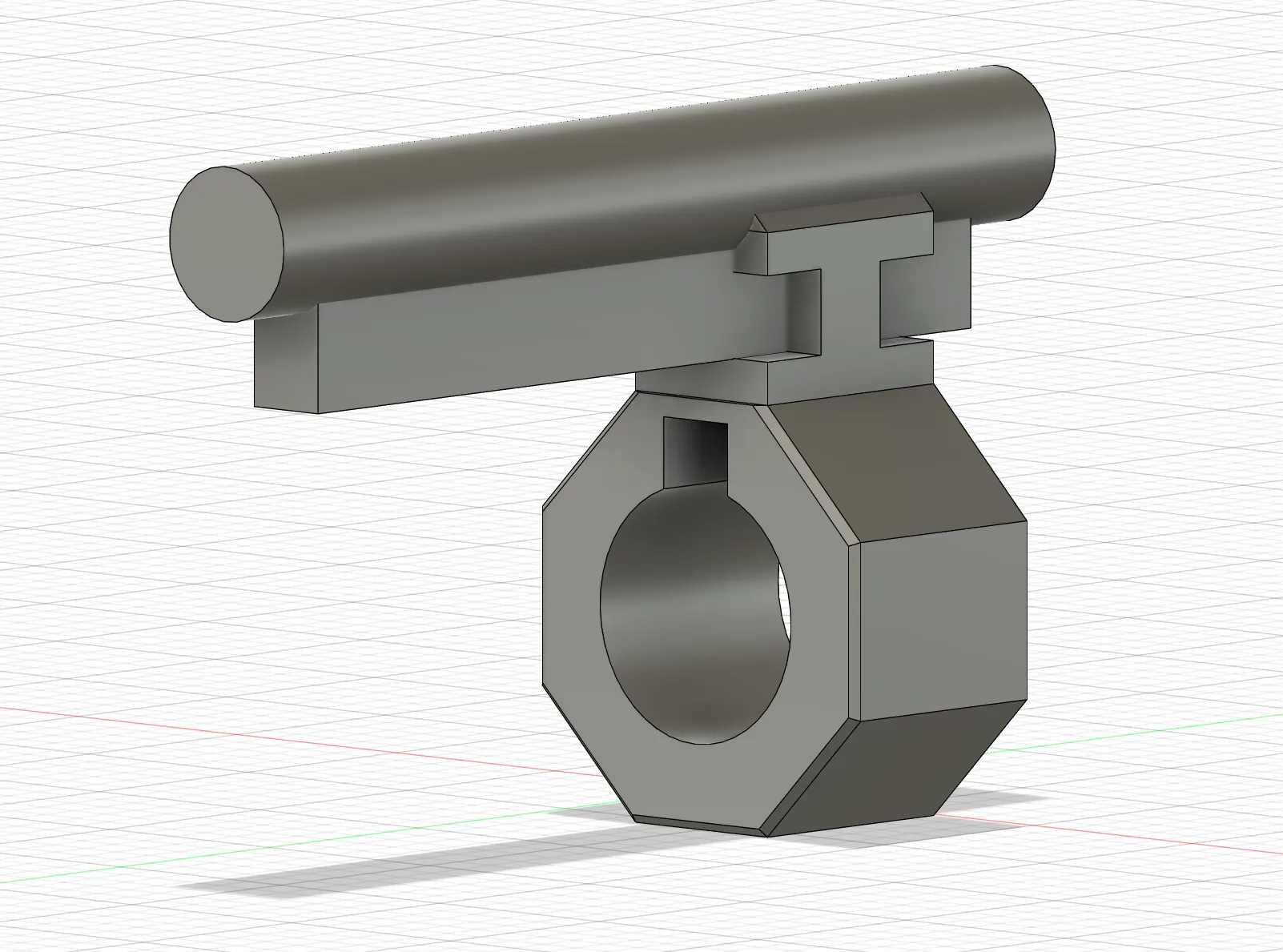
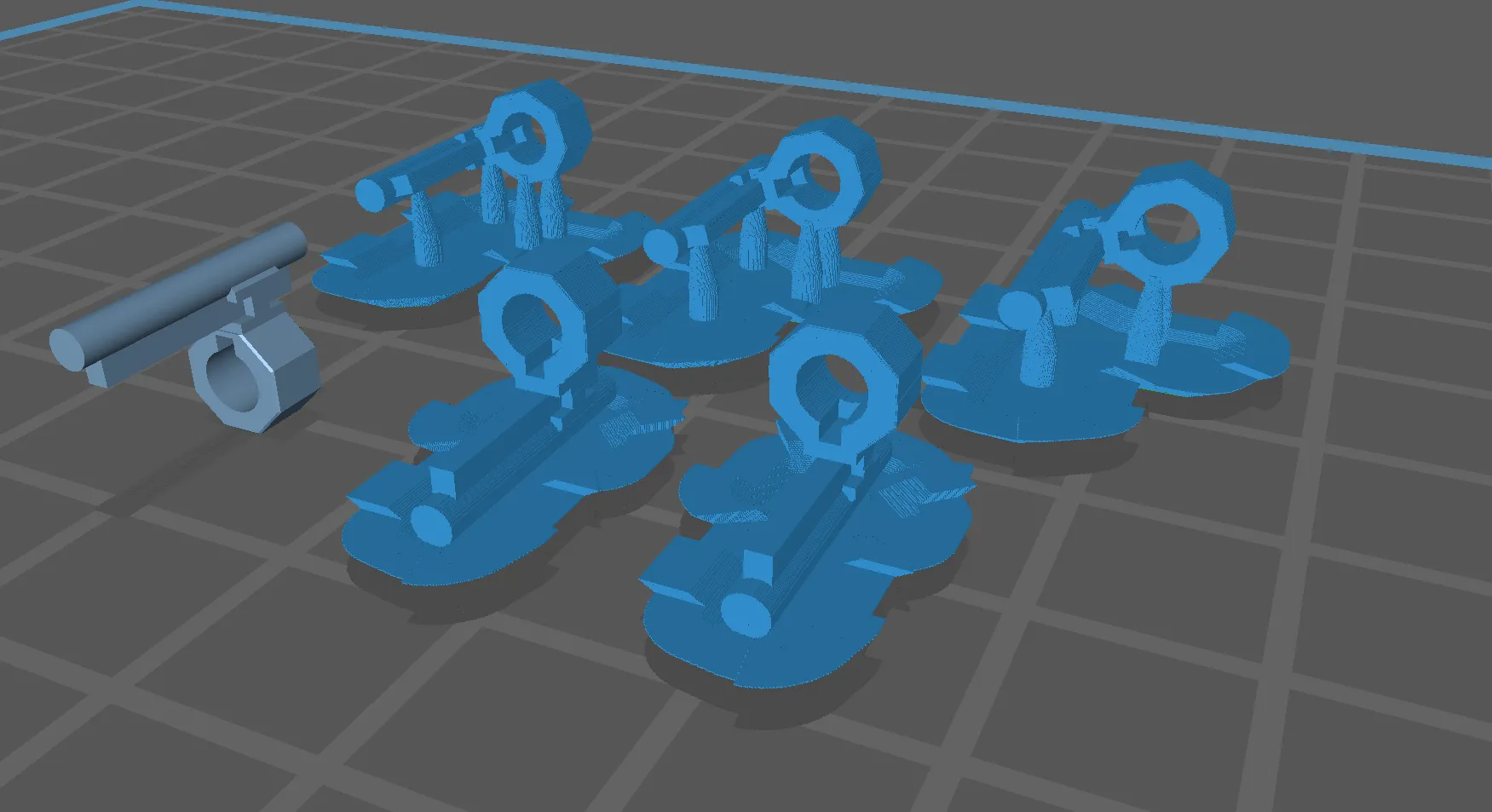
My little brother lost a piece from his Gundam Providence MG model kit, tasked me to model and 3d print it, the part ‘J10’ was modelled in Fusion 360 and made the slice run in Chitubox, tonight I will be printing it with him, hopefully they come out well!!
I started sketching at a coffee shop, hope to get back to the groove of things and to build a habit now as I grow my skillset.
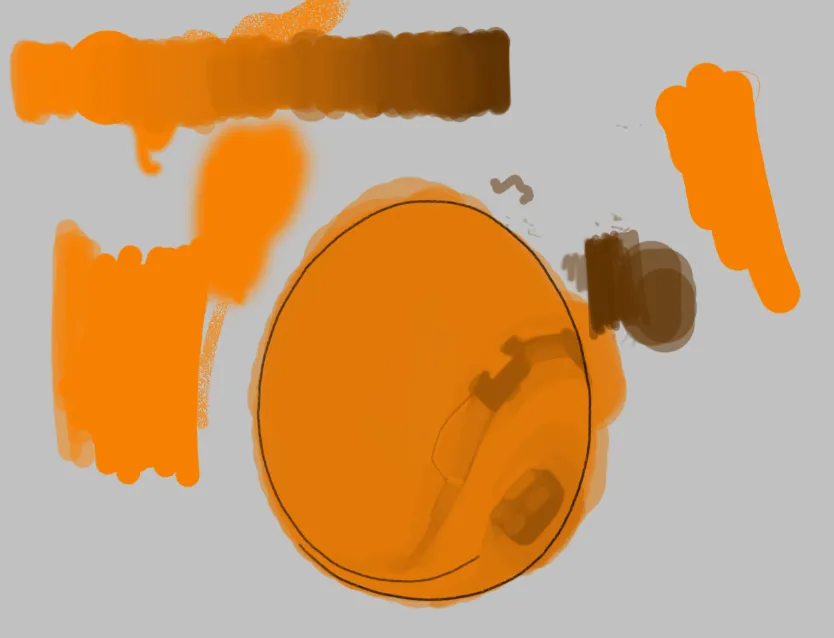
Here’s also a quick hour run in Photoshop, trying to re-learn how I used to blend paints, my current brush set is not really ideal though… might revert back to default brush pack…
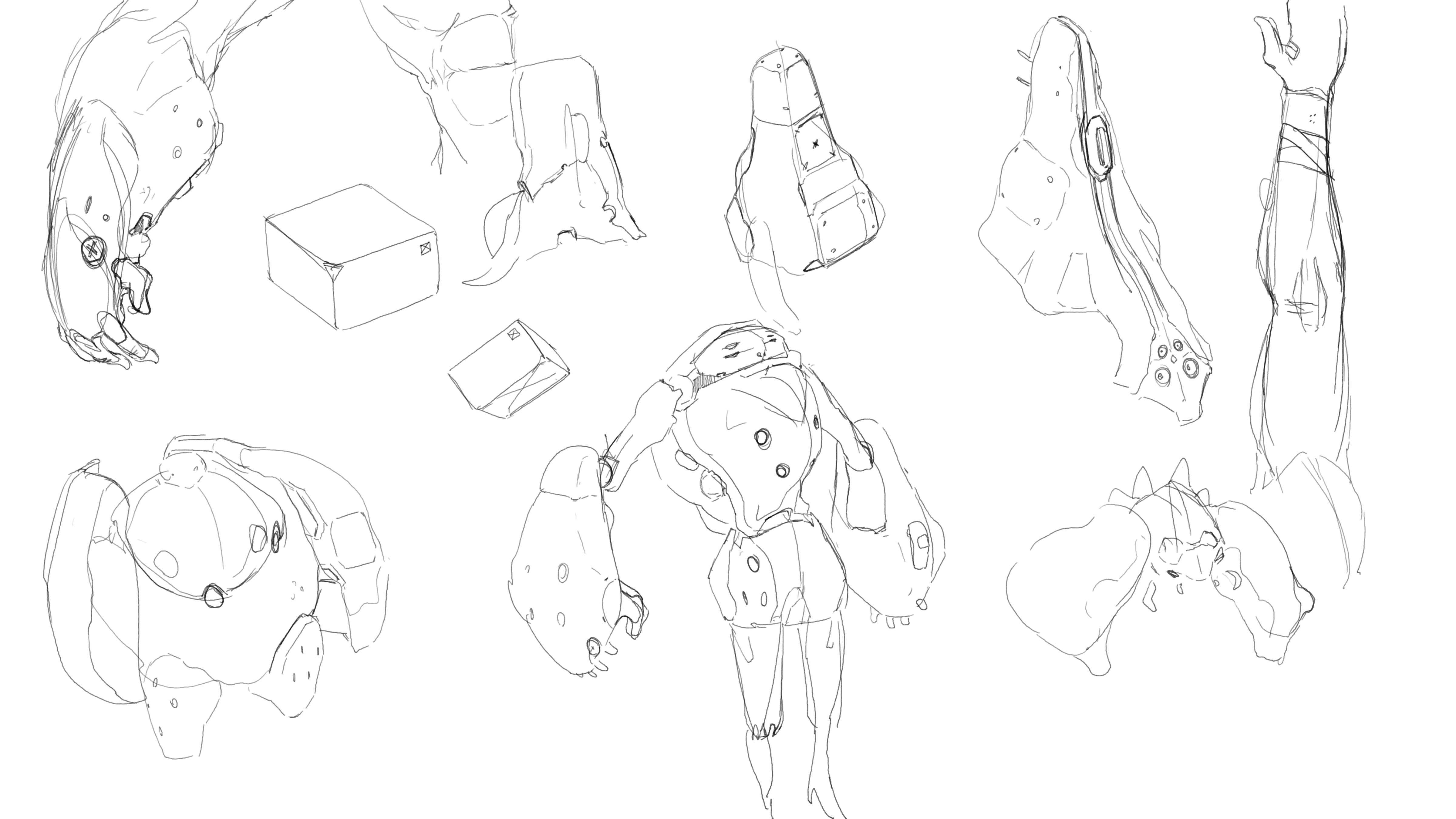
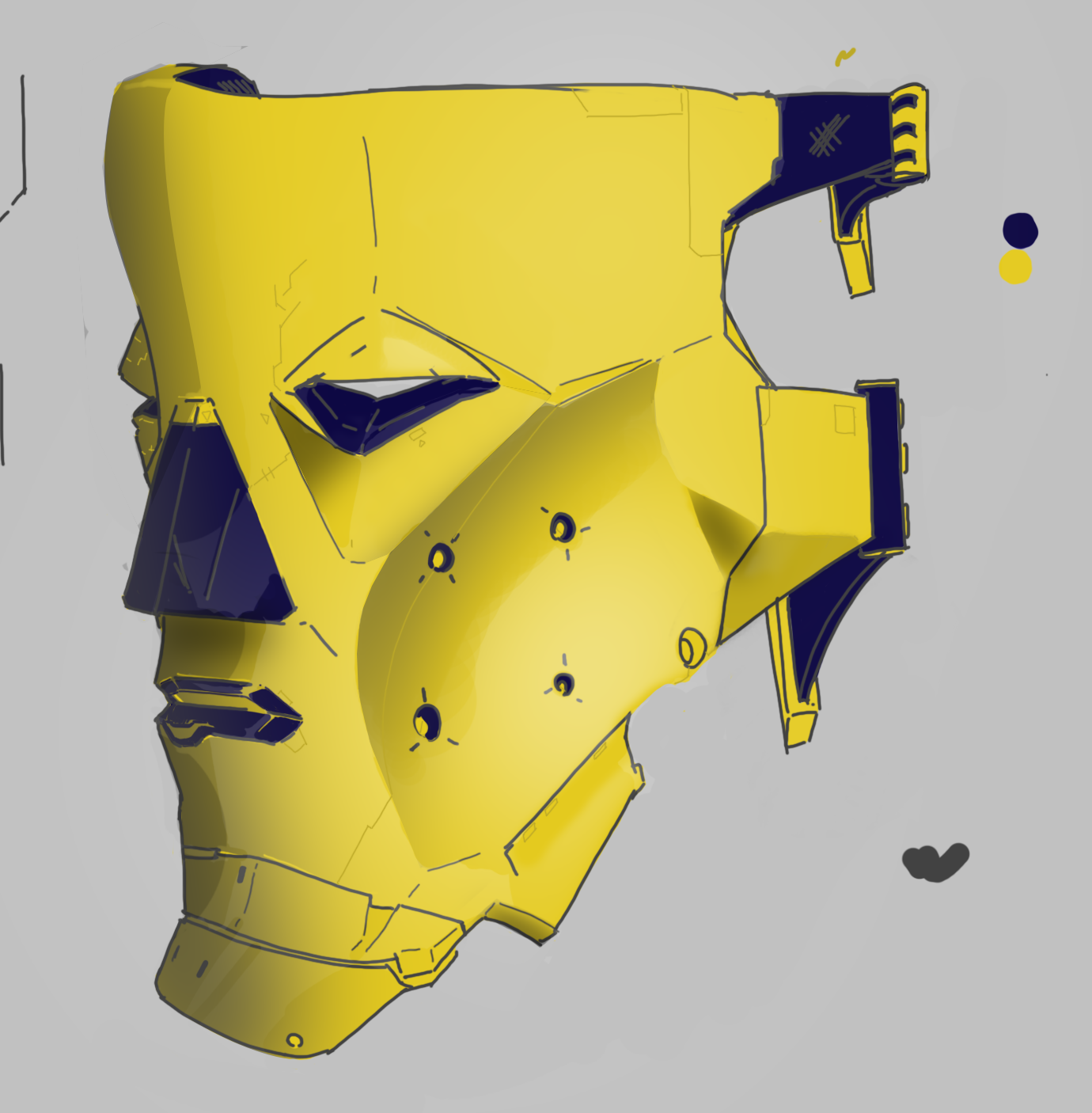
Lastly I practiced hard-surface design through ZBrush, doing a couple hours each day at my local coffee shop:












![Week 3 [FEB 2025]](https://aonepathan.blog/wp-content/uploads/2025/02/image-6-1.png?w=700&h=430&crop=1)


![Week 2 [FEB25]](https://aonepathan.blog/wp-content/uploads/2025/02/image-4.png?w=700&h=430&crop=1)