It’s been a while since I wrote. Going to try to use this blog again and see what I can make of it.
My hope is to keep track and since this posts are live, live on an accountability mindset. I can code and I can draw (or at least would like to think am capable in some sort of degree for both skills).
So I got started (on a whim) on some designs I would submit for print-on-demand platforms. I randomly posted these two here on TeeSpring as a starting point. One thing I immediately noticed was that there was no tags section which gives an indication that TeeSpring may not advertise or endorse my products through SEO means. So in essence, my products could be in the dark unless I market them via social media or other means.
If I were to continue to progress in this business it’s definitely going to take a lot more work! This is especially outside of the art and design production side of things! Which is (not going to lie) a bit discouraging so far, but hey if it were that easy, everyone would be doing it.
One endeavor that I was looking forward was to somehow get into a creative side gig that could earn me some pocket money while continuing to work on art was to pursue print-on-demand businesses such as RedBubble. I had various ideas of creating designs around Metroid helmets, Cyberpunk 2077 references and Nintendo controllers. But three things I learned very quickly:
Copyright infringement and trademark work is not encouraged.
Basically creating a design that resembles another intellectual property is actually against the law. This confused and quite honestly bummed me out as I see literally thousands of designs on RedBubble using intellectual properties. If everyone else is doing it, why can’t I? Digging deeper into it, anyone can post fan art or use references to intellectual properties until their account gets banned. Big companies such as Nintendo and Disney also aren’t that strict it seems to send cease-and-desist letters to every account using their properties. In the long run, it does not seem worth it, but is a uphill battle if you want to get noticed above this popular trending topics.
Few of the designs you will see when you look for Metroid related designs, most highly (if not completely) resemble Nintendo’s intellectual property
It is not a sprint, but a marathon.
Or even better a journey to get some decent income from a print-on-demand business. It takes hard work and consistent effort on your channel to get some income down the road. From what I’ve learned in the numerous online tutorials, to have some success, you should be working a couple hours every day and posting as many designs as possible to start building traction.
Aim your designs on trending pocket niches
But even then, you should aim to focus on trending pocket niches that can help grab customer’s attention to your channel. There’s a lot of good info on the web about this, but essentially what many designers do is they figure out what is a good trend/niche subject that people are interested in (such as meme shirts or coffee) and if that topic doesn’t produce many designs/results, it is a sweet spot for that designer to submit designs to that topic. That way users that are looking at that niche will most likely see your designs first, resulting in better probability of sales for you.
This week I certainly learned a lot about how print-on-design businesses work and what it takes to try in getting some success. It is not as simple as I first thought, but now I am considering trying to still tackle it, either way it would be experience. My goal is to use my artwork mainly if I am to open a RedBubble channel.
If you have any thoughts on the subject matter, leave a comment below! I am new to this, so any feedback is openly welcomed. How has your past experience been in the print-on-demand realm? Do you know something that would help and I missed here?
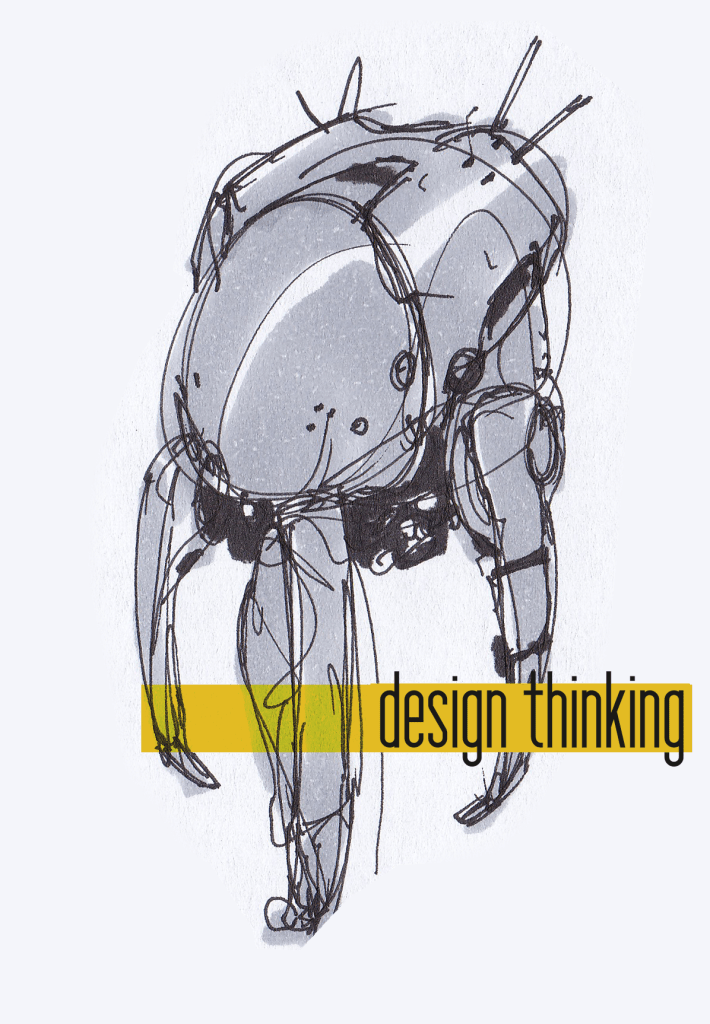
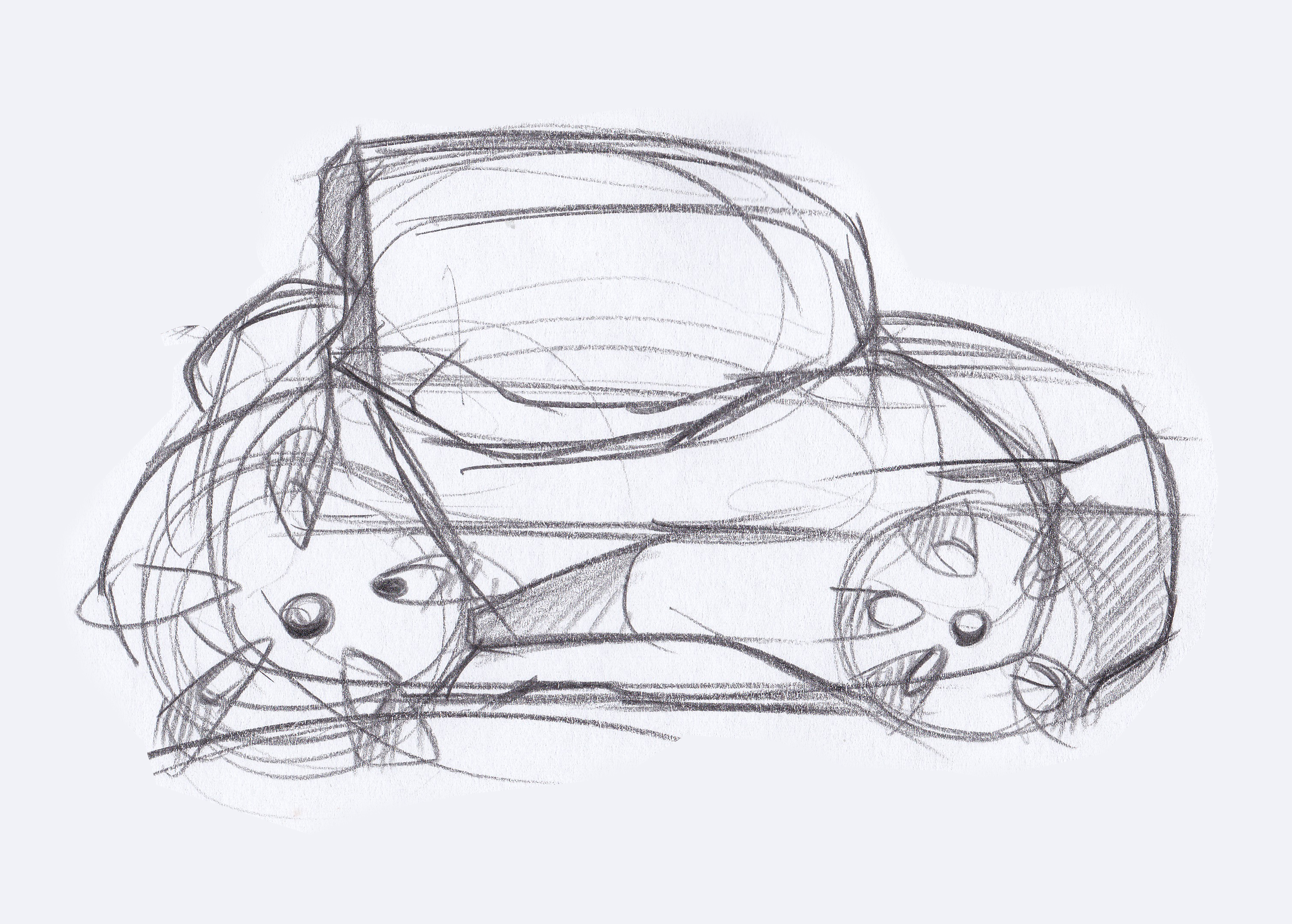
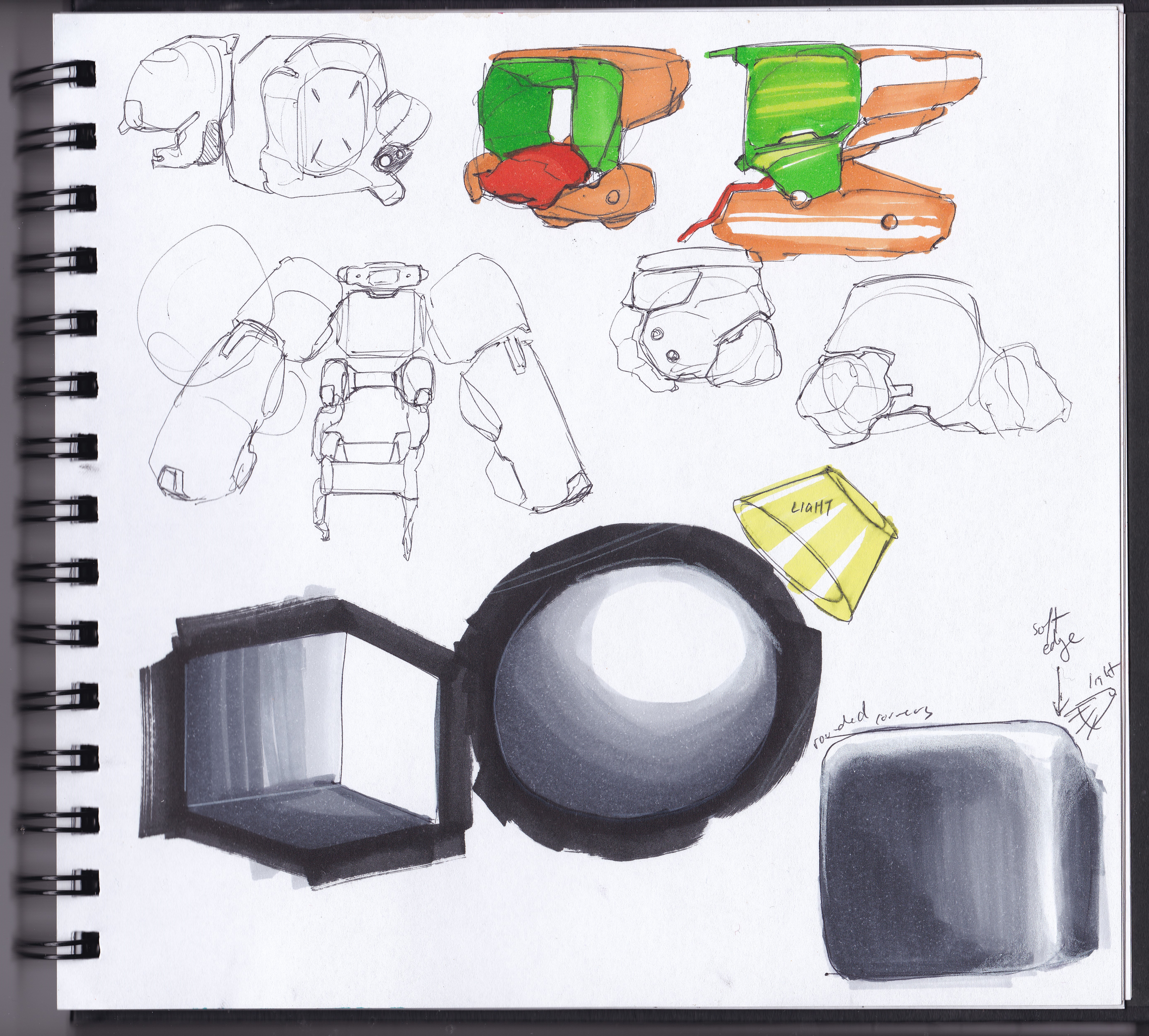
I have started taking design fundamental classes that focus on primitive shapes and it has really helped me quicker on line sketching and delivering a better visual form when sketching from imagination. However tedious it is, it also reminds me that it is a 50/50 % regimen. I should spend half my time on learning, tutorials and practice the fundamentals, while also devoting the other half of the time on personal art. Below is one practice, trying to learn how to render shades by marker better and trying to capture it through primitive shapes with lighting.
One of the most difficult things I had to do was use dummy JSON data to be used in the Angular-Google-Maps library. I basically wanted my Angular application to take in dummy JSON data from a .json file.
Frantic googling and stack overflowing did not reap results that I had wish to see, and having different libraries for AngularJS and Angular did not help much with the confusion. I ended up posting a question on StackOverflow regarding this, got a few responses, but ultimately did not produce the Google Markers I needed to see on my project.
But all in all, I was finally able to have recognized json data and the solution is really simple, just two lines of code…
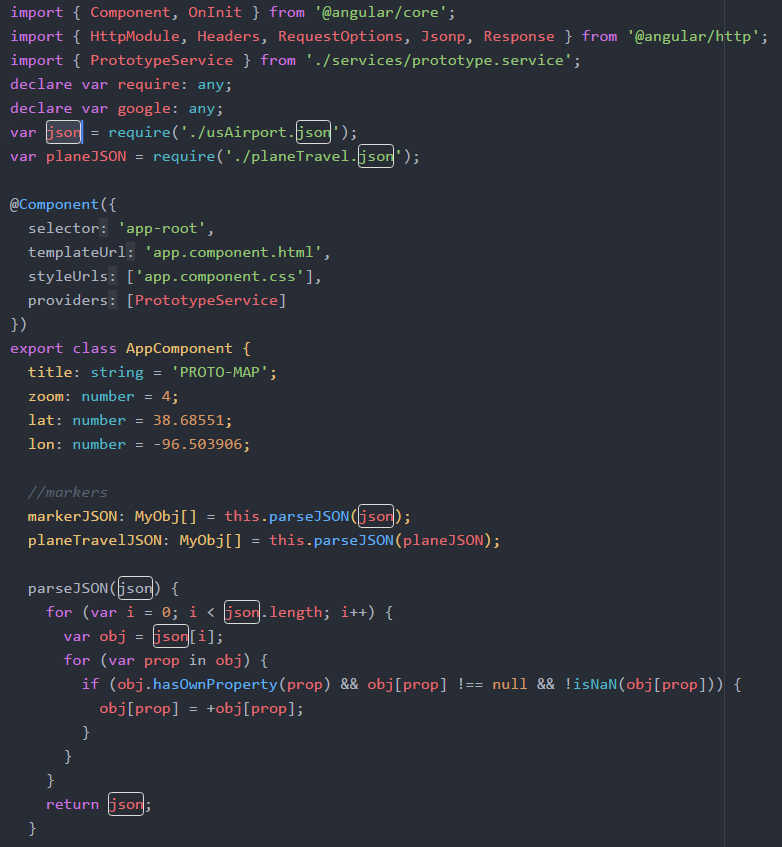
declare var require: any; var json = require('./[yourFileNameHere].json');
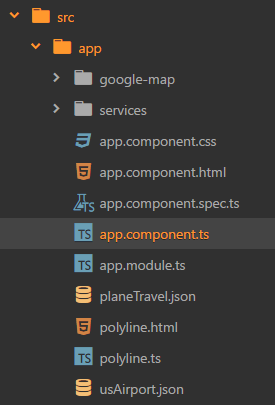
For my example I placed a JSON file “usAirport.json” in my component folder and had this “json” variable initialized to the top of the app.component.ts file.
You can probably define this variable anywhere in the script file, but be cautious to have this order and of course before any use of the “json” variable later down the script to recognize the variable!
Check out Angular Google Maps: https://angular-maps.com, it’s a simple and easy-to-use library so far, just needs more attention in order to have more answered questions and documentation for users who use Google Maps for more complex functions.



 aonepathan blog